
One of the most useful features on modern smartphones is also one of the easiest to overlook. Your phone may be able to connect directly to a satellite when there’s no cell service, and because you probably don’t pay extra for it, you may not even realize it’s there.
Depending on your device and carrier, your everyday smartphone might be able to send emergency messages, share your location, or even send regular texts when you’re completely off the grid.
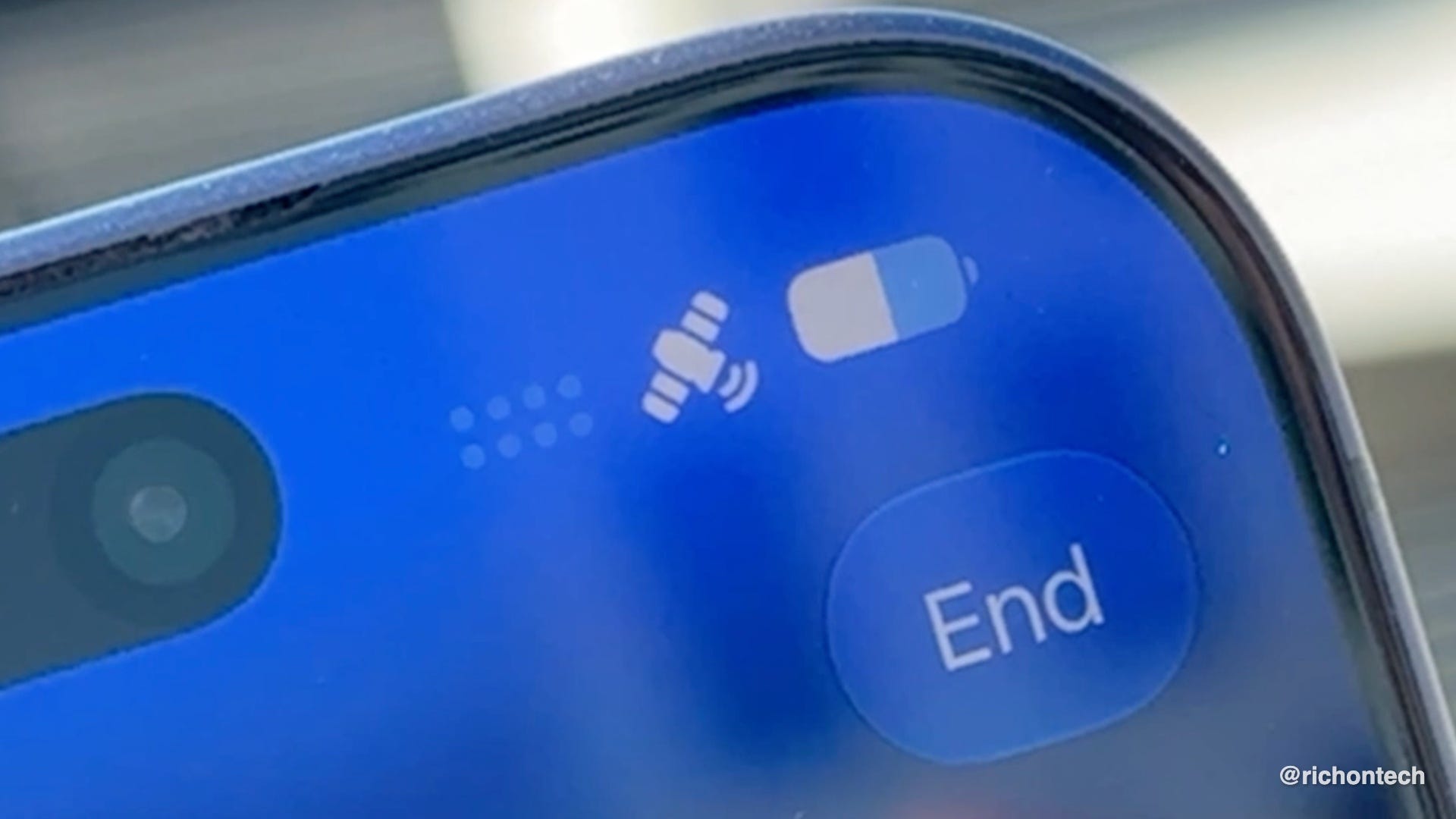
Apple was first to bring the feature to mainstream smartphones with the iPhone 14 in 2022. Today, iPhones can do much more than just contact emergency services. You can update your location through Find My, request roadside assistance, and in some cases even send regular text messages over satellite. There’s even a built-in demo that lets you practice using the feature before you actually need it. Just head to Settings > Emergency SOS and scroll down to Try Demo.
Android users have options too. Google’s Pixel 9 and newer phones include Satellite SOS built in, regardless of your wireless carrier. You’ll find it under Settings > Safety & Emergency > Satellite SOS.
Samsung Galaxy phones are a little different because satellite support depends on both the phone and your carrier. To check, go to Settings > Connections and see if Satellite Networks appears.
Carriers are getting involved as well. T-Mobile now includes T-Satellite on some plans, using Starlink’s growing network of low Earth orbit satellites to let compatible phones send texts and use select apps like Google Maps and AllTrails when traditional coverage isn’t available. There’s also a free option that enables Text-to-911 via satellite on eligible devices, and people on other carriers can subscribe to T-Satellite separately.
Even smartwatches are joining the list. The Apple Watch Ultra 3 and the LTE version of the Pixel Watch 4 both include satellite connectivity for situations when your phone isn’t available.
This technology is impressive, but it’s not something you want to learn during an emergency.
Take a few minutes now to see what your phone supports, update your emergency contacts, and try the demo if your device offers one. Also remember that satellite connections require a clear view of the sky, and sending a message can take 30 seconds or more, so patience is part of the process.