
If you’re chatting with AI about work, money, relationships or anything else you’d rather keep private, it’s good to know what happens to those conversations after you hit send.
On many consumer AI services, your chats can be saved and, depending on your settings, used to help improve future AI models. In some cases, conversations may also be reviewed by humans.
The good news is you can limit this.
On ChatGPT, go to Settings > Data Controls and turn off Improve the model for everyone. Your chats can still remain in your history, but they won’t be used to train future models.
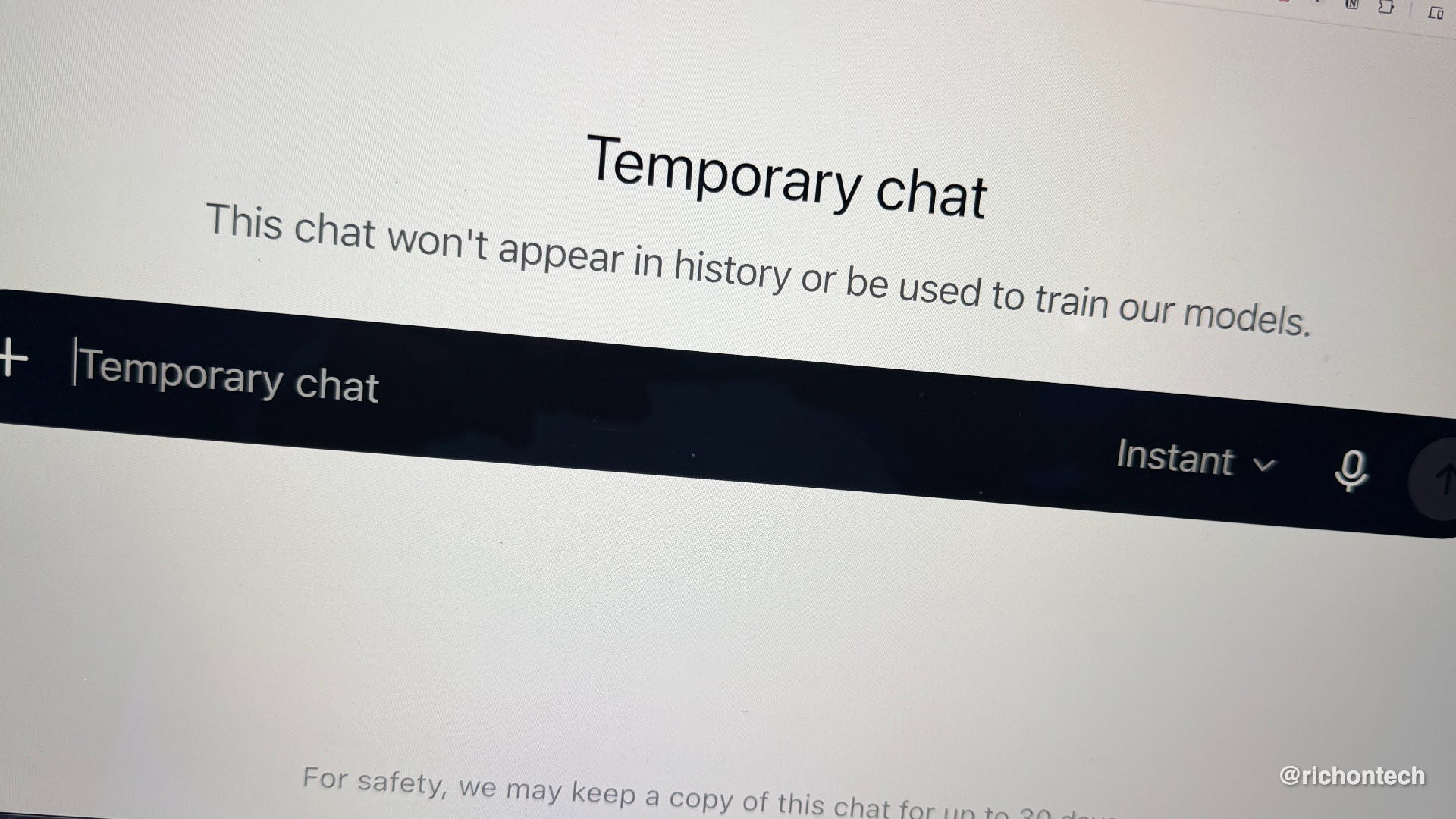
For conversations you don’t want in your history, use Temporary Chat. These chats aren’t used for training, although OpenAI may retain a copy for up to 30 days for safety purposes.
Claude has a similar control. Go to Settings > Privacy and turn off the option to help improve its AI models. Claude also offers an Incognito mode for conversations you don’t want saved to your chat history.
With Google Gemini, look under Settings > Activity. Turning off Gemini Apps Activity limits how your future chats are stored and used. You can also set activity to automatically delete after three months, 18 months or three years.
Gemini also offers Temporary Chat. Those conversations don’t appear in your activity or get used to train Google’s AI models, although Google says it keeps them for up to 72 hours for safety.
Meta is a little different because its AI is woven into Facebook and Instagram. Meta can use publicly shared posts, comments and photos to help train its AI. One of the simplest ways to limit exposure is to make your account and posts private and review the AI options in Meta’s Privacy Center.
Microsoft Copilot also gives you a way to opt out of conversation training. On Copilot.com, Microsoft may show a notice right on the homepage letting you know your conversation activity can help train its AI, along with a direct opt-out link. If you don’t see that, tap your profile picture in the lower-left corner, then go to Settings > Privacy and turn off Training on conversation activity.
My biggest takeaway is simple: I wouldn’t treat any consumer AI chatbot like a completely private conversation. Before typing something highly personal, confidential or proprietary, think about whether it really needs to be shared with an AI at all.
One important exception is work and enterprise accounts. These often come with stronger privacy protections and typically don’t use your conversations to train public AI models by default. But check with your employer before you mistakenly divulge any corporate secrets.
And for everyday use, take a few minutes to check your AI privacy settings. It’s one of those things that’s easy to set once and forget.