Why your iPhone says it’s not backed up even when you have space, how to save meaningful voicemails forever, and an easy way to avoid overpaying for subscriptions like YouTube Premium.
Submit your question here!
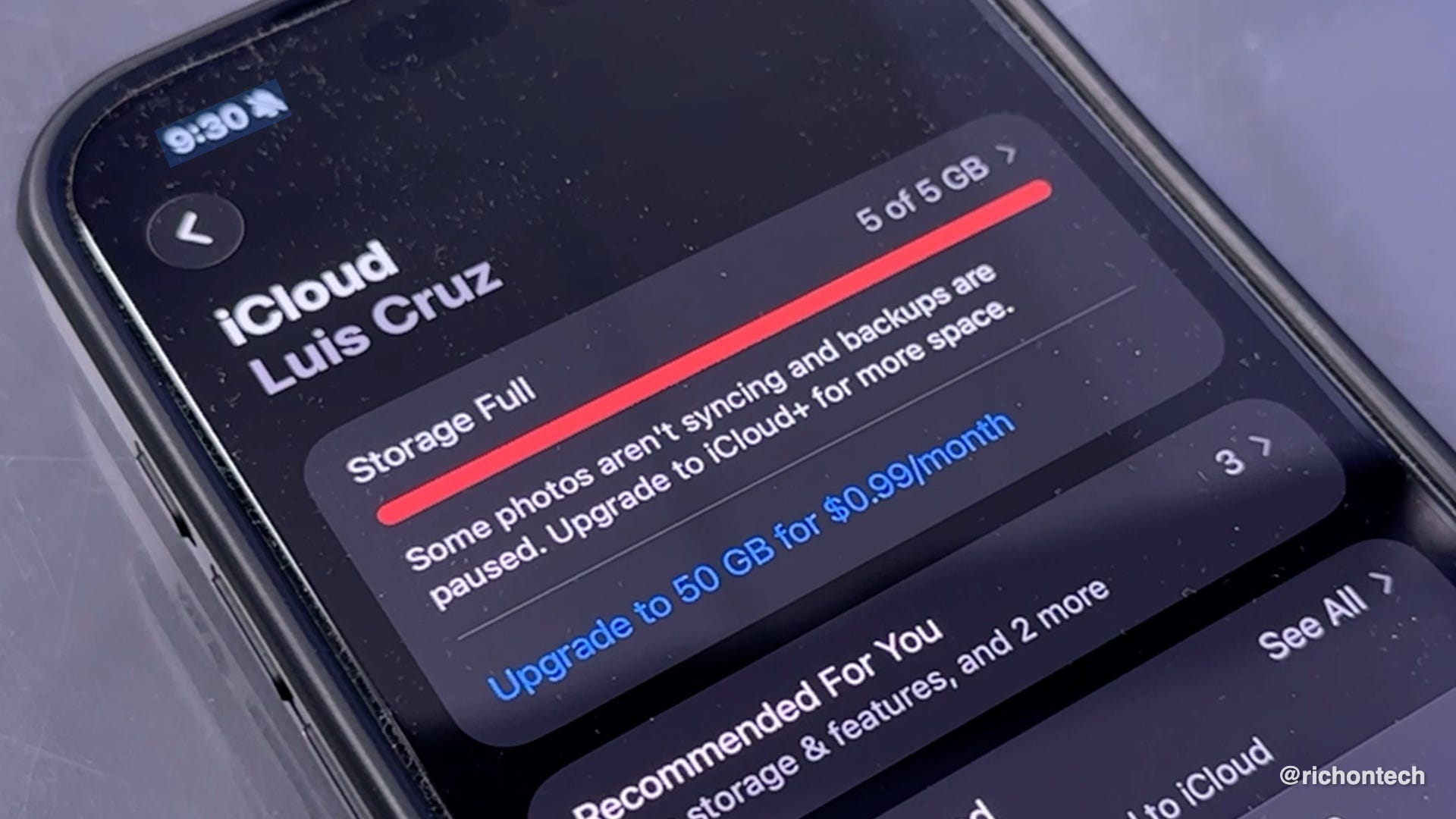
Why your iPhone says it’s not backed up (even when you have space)
Your iPhone storage and iCloud storage are separate. Backups use iCloud, not your phone’s built-in storage.
How to check and fix it:
Open Settings
Tap your name
Tap iCloud
Tap Storage (or Manage Storage)
Review what’s using space
Delete old backups or unused data
Upgrade your iCloud plan if needed
How to save voicemails permanently
If a voicemail is important, don’t leave it sitting in your phone.
Best method:
Open the Phone app
Tap Voicemail
Select the message
Tap the Share icon
Save it to Files, Notes, or email it to yourself
Upload it to cloud storage (iCloud Drive, Google Drive, etc.)
If you don’t see a Share option:
Play the voicemail on speaker
Record it with another device
How to pay less for YouTube Premium
Subscriptions through apps can cost more because of app store fees.
How to save:
Cancel your subscription in the iPhone settings (if needed)
Go to YouTube’s website in a browser
Sign up there instead of in the app
Consider an annual plan for additional savings
Check one.google.com for bundled deals
Tip:
In-app subscriptions can be up to 30% more expensive than signing up directly on a website.
You can find your current subscriptions in iPhone > Settings > Tap your name > Subscriptions