
Hackers and scammers have plenty of ways to get at your personal information. They can trick you with phishing links, lure you to malicious websites or simply take an old password exposed in a data breach and see where else it works.
The good news is a few simple changes can make their job a lot harder.
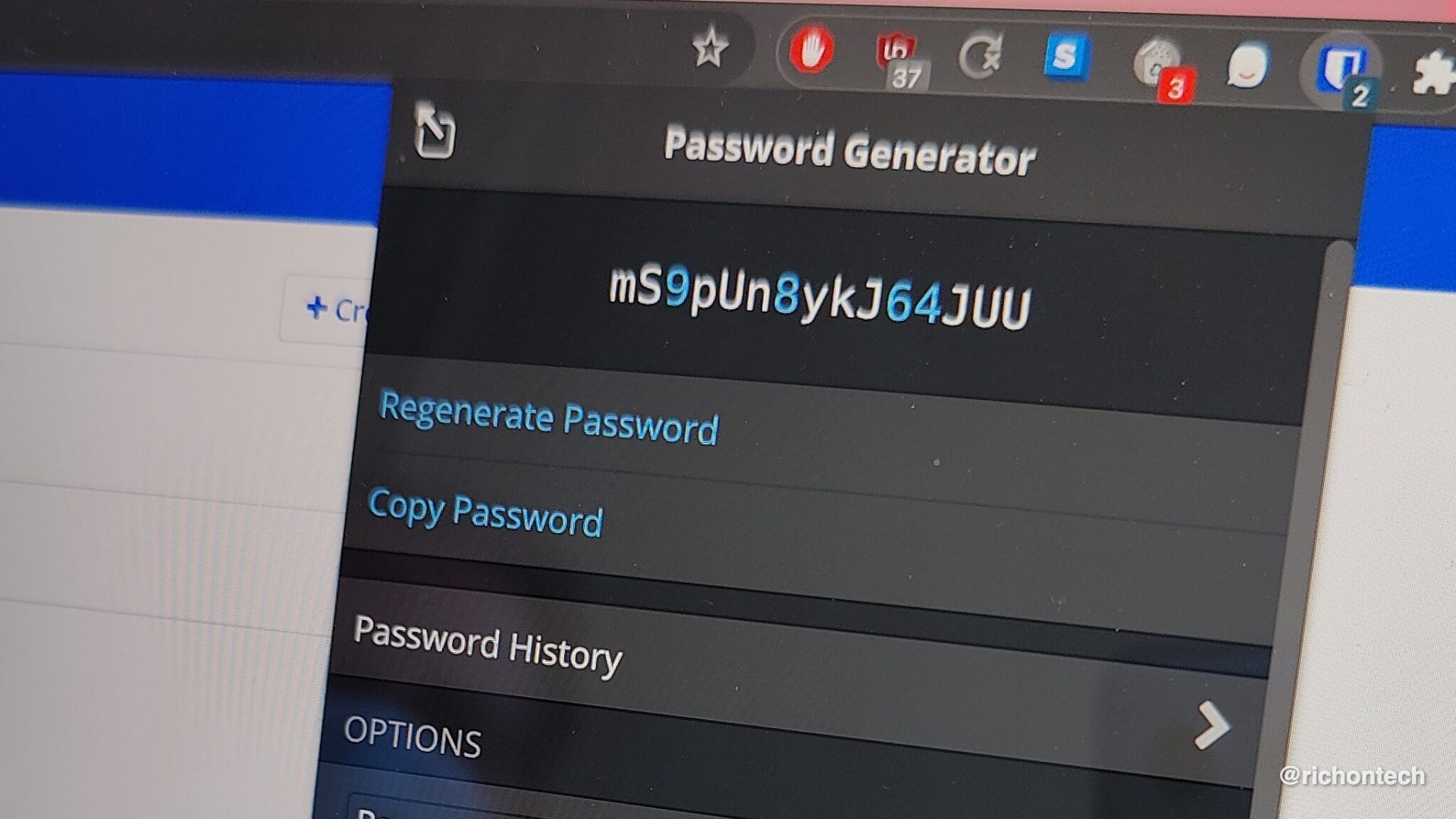
First, use a password manager. You want strong, unique passwords for every account, ideally at least 15 characters long. Reusing passwords is especially risky because once one is stolen, hackers can try it on other websites.
If you only use Apple products, Apple Passwords is a solid choice. Google Password Manager works well if you live mostly in Chrome and Android. Personally, I prefer a cross-platform password manager because it works no matter what device I’m using. Bitwarden is my go-to. It’s free, generates strong passwords and works just about everywhere.
Next, turn on two-factor authentication whenever it’s available. Text message codes are better than nothing, but I prefer an authenticator app. These apps generate temporary codes that change every 30 seconds, so someone who steals your password still needs that second piece of information to get into your account.
My current pick is Proton Authenticator. It’s free, works on iPhone and Android, can sync your codes across devices and makes it easy to import or export them if you switch apps.
Finally, if you use Chrome, consider turning on Enhanced Protection under Safe Browsing. It analyzes suspicious websites and downloads in real time and can warn you before you stumble into something dangerous.
Tap the three dots in the upper-right corner, then go to Settings > Privacy and security > Security > Enhanced protection.
There is a tradeoff. Enhanced Protection sends more browsing-related information to Google than Chrome’s Standard Protection, so you’ll have to decide if the additional security is worth it for you.
None of these tools will stop every scam. Your best defense is still your own judgment. Slow down before clicking links, entering passwords or responding to an urgent request.
If something feels off, give yourself a few extra seconds to figure out why.