
Greetings and welcome to another edition of the Rich on Tech newsletter. It’s great to have you here.
I have to admit, I feel pretty accomplished this week. I finally did something that had been on my to-do list for years: I backed up my Google Photos.
You might be wondering what took so long. There’s a bit of a backstory.
In the early days of Google Photos, backing up your entire library to another location was simple. I used a device called Ibi, basically a Wi-Fi-connected hard drive that automatically synced my photos at home. Plug it in, connect to Wi-Fi, and it quietly kept everything up to date.
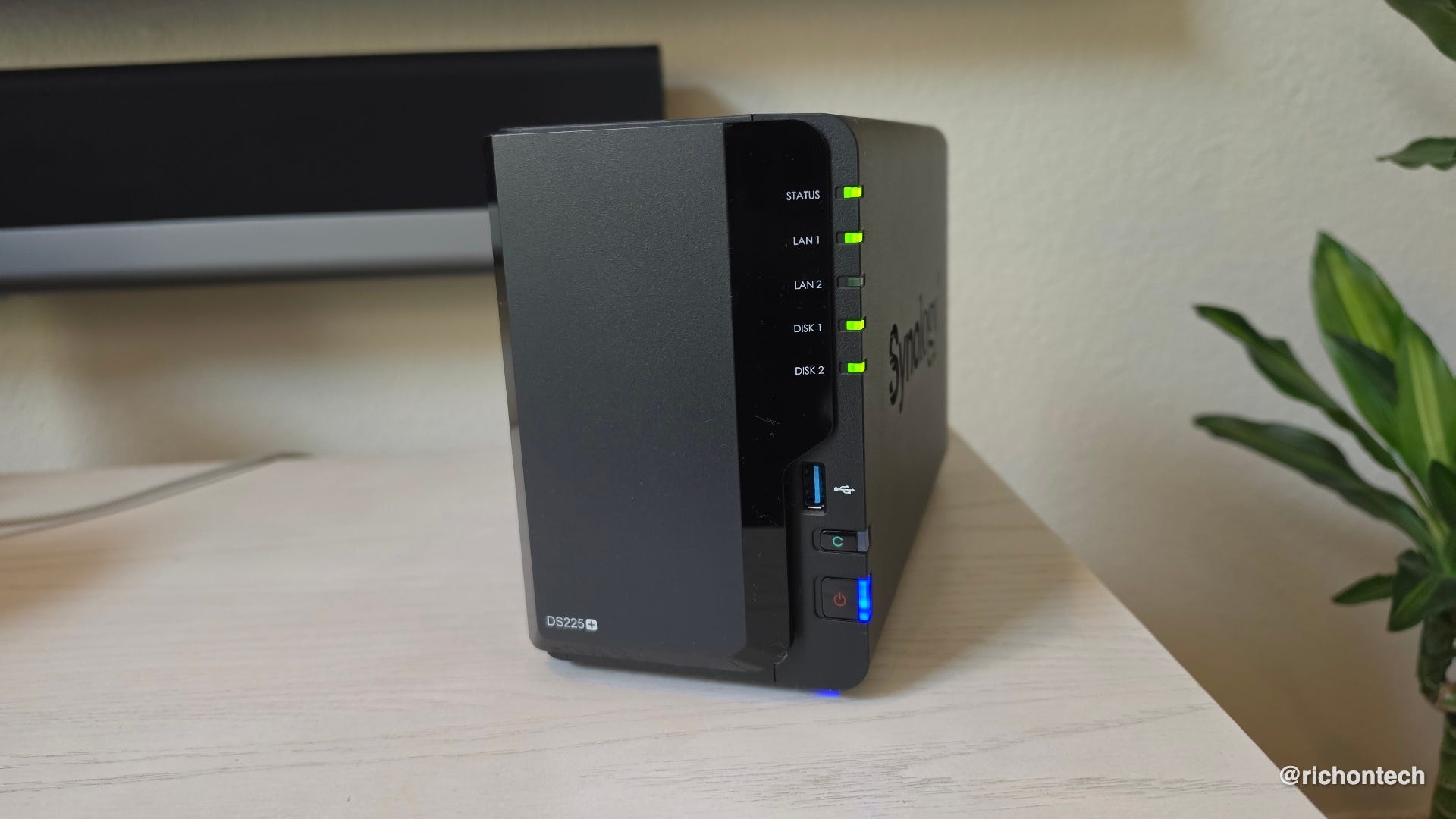
That eventually went away, so I switched to a Synology NAS, which worked similarly. But then Google removed the ability to easily sync with third-party services, and my backup system fell apart.
For the past few years, my photo library has been in a bit of limbo, growing larger without a solid backup in place.
This week, I finally fixed that. I put together a plan, ordered a new Synology NAS and a 16TB hard drive, and copied over all 3TB of my photos. I’m still using Google Photos, but now I have a full local backup as a safety net.
If you want the full step-by-step, check out the blog post below.
And a quick reminder: back up your photos. No matter where they’re stored, they’re at risk. You could lose access to your account, a service could shut down, or data could be corrupted. It happens.
How to back up Google Photos to an external hard drive (what actually worked for me)

Let me start by saying I’ve been using Google Photos since pretty much day one. When it first arrived, it was amazing. All my photos in one place online, easily searchable by people, places and things.
Samsung Messages is going away. Here’s what to do
Speaking of things going away, here’s one more headed for the history books: Samsung Messages.
Samsung is shutting down its Messages app in July and pushing users to switch to Google Messages.
This has been a long time coming. On newer Samsung phones, Google Messages has already been the default, even though you could still download and use Samsung Messages. Older phones came with Samsung Messages, but you’ve always had the option to switch.
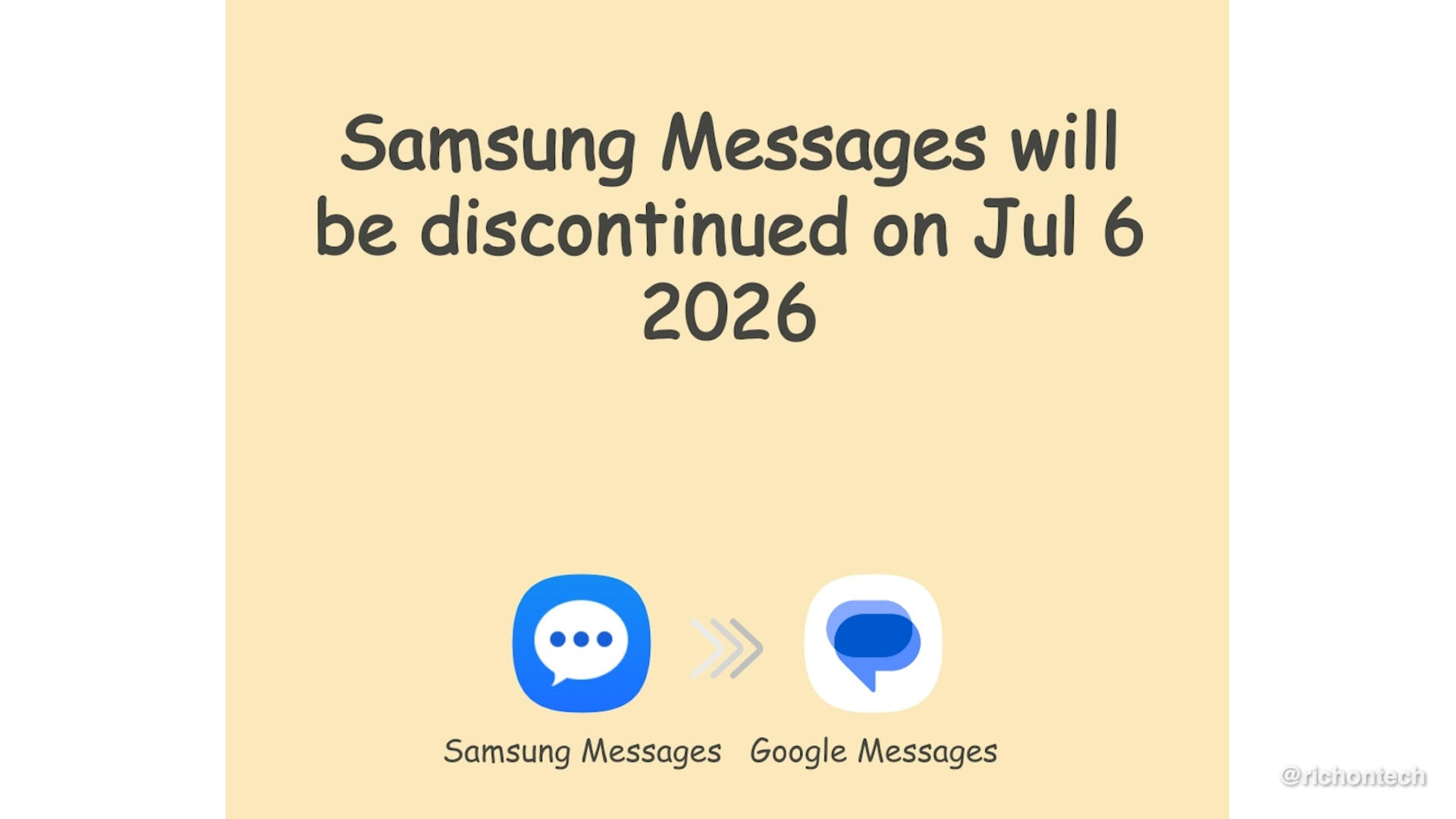
If you’re still using Samsung Messages, the transition is pretty straightforward. Download or open Google Messages and you should see a prompt asking if you want to make it your default texting app. Tap yes and your messages should carry over automatically.
I say “should” because there’s always a chance something doesn’t transfer perfectly, especially group texts. To be safe, consider using an app like SMS Backup & Restore to create a backup of your messages before switching.
Once Samsung Messages is discontinued, you won’t be able to send texts through it, except for emergency numbers.
For those trying to avoid Google services, there are third-party messaging apps on Android. But Google Messages has one big advantage: it supports RCS. That means better texting between Android and iPhone, including typing indicators, read receipts, and higher-quality photos and videos. It also includes built-in spam protection and other useful features.
Amazon is ending support for older Kindles in May
Another device heading for retirement: older Kindles.
Amazon is ending support for Kindle models from 2012 and earlier on May 20. These devices are pushing 15 years old, but the reality is most people don’t upgrade a Kindle unless it breaks, so there are probably some still in use.
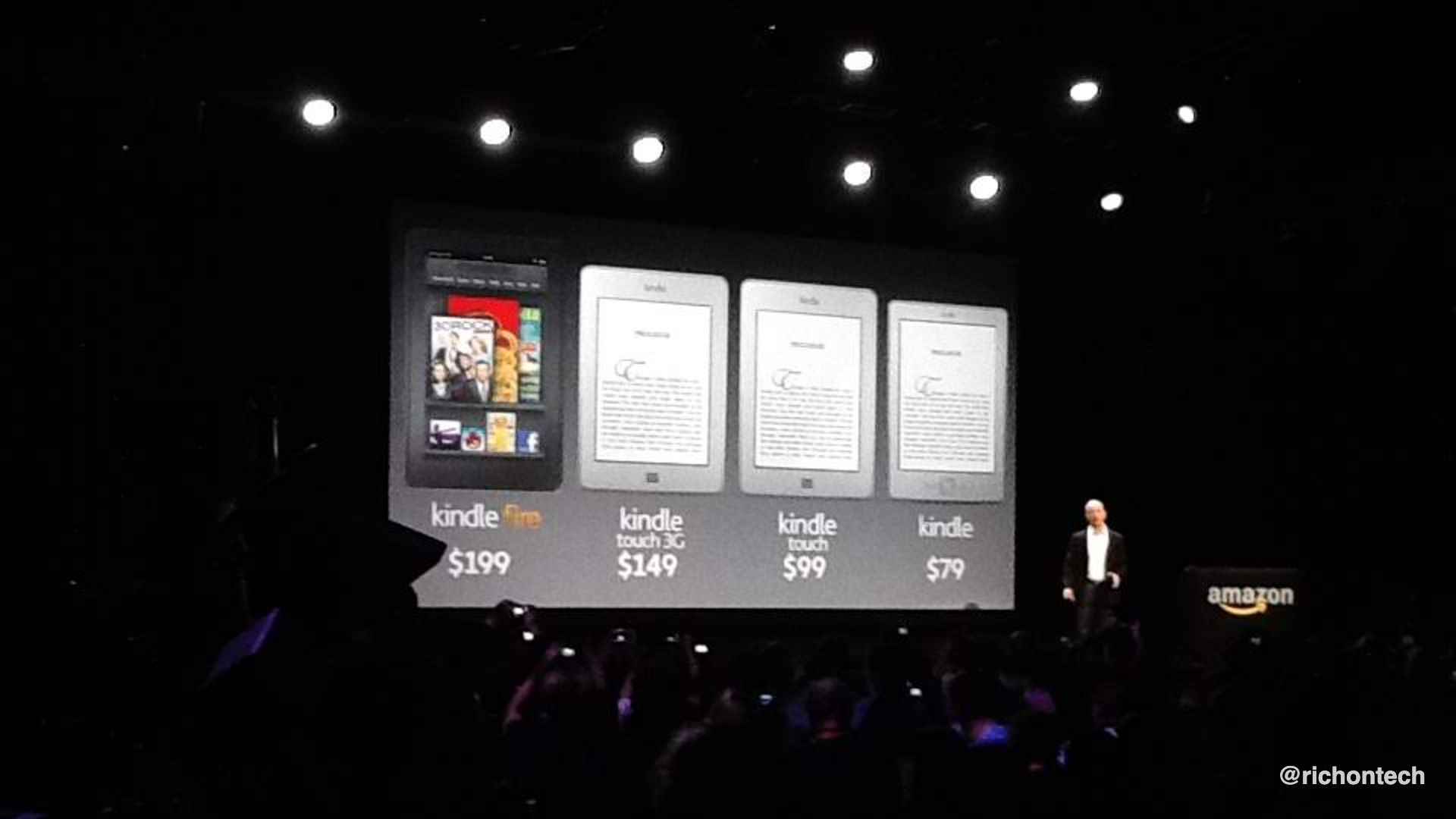
You can keep reading any books already on your device. But after the deadline, you won’t be able to download new books, borrow from the library, or reconnect the device if you reset or deregister it. In other words, it will no longer connect to Amazon’s servers.
Amazon says this affects a small percentage of users. To ease the transition, the company is offering 20% off a new Kindle plus a $20 credit.
Here is the list of affected e-readers (basically anything from 2012 or earlier):
How to identify your Kindle model:
Swipe down from the top of the screen
Tap All Settings
Go to Device Options
Tap Device Info
Look for the Device Name
Amazon also has a page with photos of every model to help you identify yours.
Sponsored: Take back your privacy (best discount yet!)
I get a lot of questions about personal data floating around online.
Your information can show up in two very different places.
There are legitimate data broker and people-finder sites that collect and publish details like your name, address, and phone number. That’s the information services like Incogni can help remove.
Then there’s the dark web, which usually involves data from breaches. Once it’s there, it’s very difficult to control or remove. I got at least two breach notifications this week alone.
For the stuff you can control, I’ve been using Incogni. It automatically sends removal requests to data brokers on your behalf.
Since last May, it’s sent hundreds of takedown requests for me. In the past month alone, it got nearly two hundred data brokers to stop including my information. My dashboard shows that responses take about eight days on average.
You can add email addresses, phone numbers, and home addresses to cover different variations of your data.
Now they’re offering their biggest discount yet for my readers.
Protect your identity. Get 60% off at Incogni but only with code RICHONTECH at checkout.
Back up your computer before it’s too late
I’ve talked a lot about backing up your photos. But what about everything else on your computer?
Your documents, files, and anything you might need down the road should have a backup too. A lot of our data lives in the cloud these days, but not everything does and it only takes one issue to lose it.
I put together a simple guide that walks you through how to back up your most important files on both Windows and Mac. You’ll find it below.
How to back up your phone, photos and computer without overthinking it

Every single week I get emails from people who’ve lost everything… photos, files, contacts, videos… sometimes even access to their phone or email.
How to make your computer feel brand new again
I almost upgraded my MacBook Air M3 recently. Apple released new laptops, and I started pricing one out.
But then I took a step back and realized something: my current computer is still perfectly fine, even after two years.
So instead of upgrading, I tried something else. I wiped the hard drive, reinstalled the operating system, and started fresh.
If you’ve ever thought about doing this, it works. My computer feels new again.
I install a lot of software to test things, so over time my machines get cluttered. I used to do a full reset with every major OS update, but stopped because it takes a while to get everything set up just right.
This time, I had a free Sunday morning and went for it. It’s actually pretty straightforward. Back everything up, take note of any special settings, make a list of your apps, and you can get everything back up and running without the junk.
If your computer is older, you can also install a lighter operating system to turn it into a simple machine for email, web browsing, and video.
I walk through exactly what I did in the segment below and in this post.
Tech Tidbits
Spectrum is launching a Fire TV app on April 15.
YouTube Premium is the latest streaming service to raise prices. The individual plan is going up $2 and the family plan is increasing by $4. If you subscribe to Google One, check if you can bundle for a discount, or consider paying annually to save a bit.
I’ve been obsessed with the photos from the Artemis mission. The iPhone shots were fun, but the more professional images are on another level. I’m now using them as wallpaper on my phone and computer. You can browse the full Flickr photo stream here.
Download this: A free speech-to-text app from Google
Google is getting into the speech-to-text game with a new iOS app called Google AI Edge Eloquent.
It’s very simple. Tap record, start talking, and it transcribes your speech in real time. When you’re done, it goes a step further and cleans things up, removing filler words like “um” so the final transcript reads much more naturally.
You can copy and paste the text, or even have it rewrite what you said to extract key points, make it more formal, shorten it, or expand it.
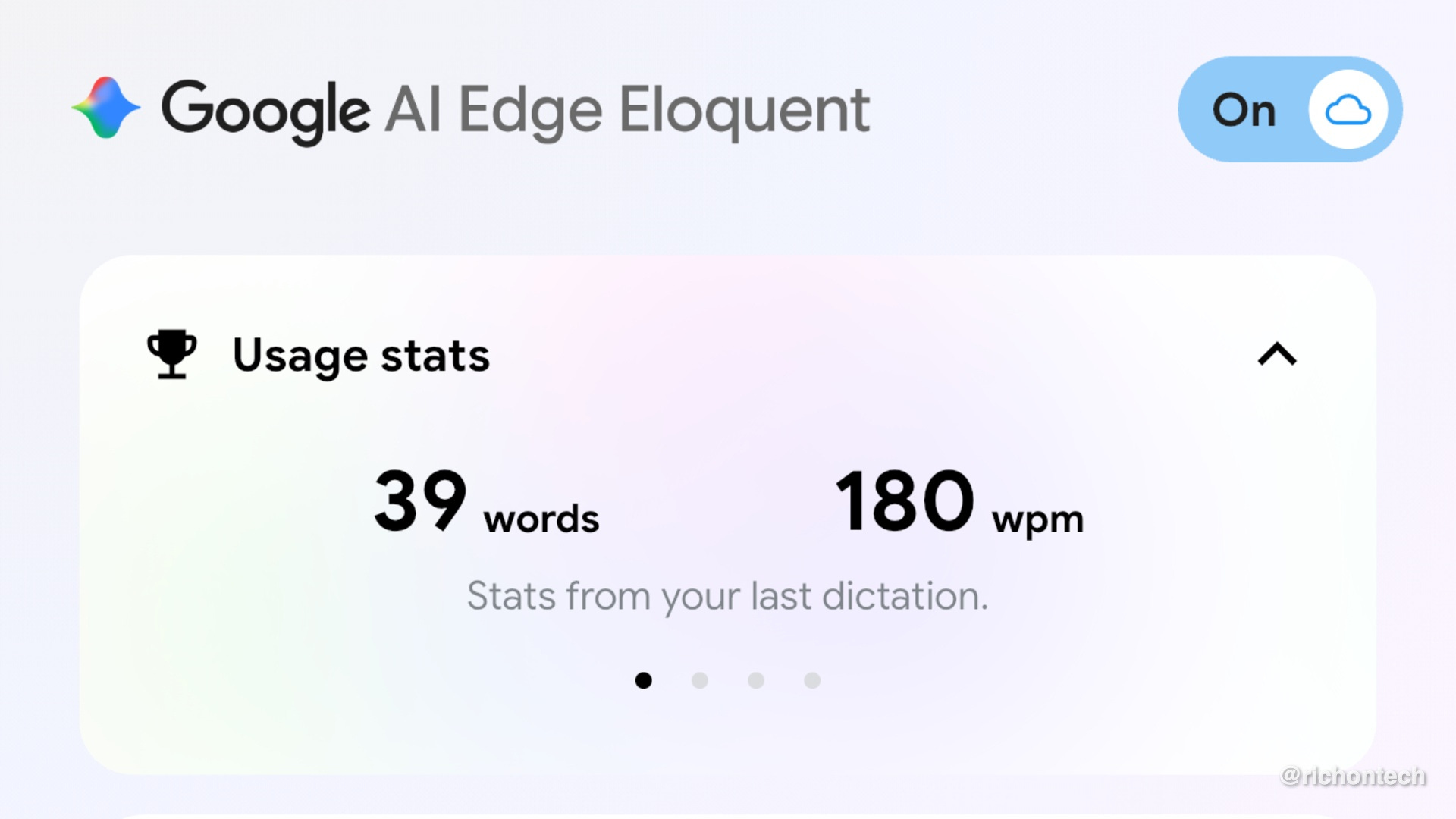
There doesn’t appear to be a limit, and it’s completely free. This could be an easy way to transcribe meetings or notes on your iPhone without paying for another app.
There are a lot of options in this space right now, but this is one of the simplest I’ve seen.
You can also connect it to your Google account for more personalized features. An Android version is reportedly on the way. I’d still like to see Google bring this kind of AI-powered transcription directly into Gboard on Android.
Q&A: iPhone Keyboard Fix
Steve, Beaumont, CA
Hi Rich, one thing I really like about Android phones is the keyboard with the numbers across the top. Is there any way to get that same setup on my iPhone 15 Pro?
Great question. You can get that same setup on an iPhone by installing Microsoft SwiftKey. It includes an option to add a number row across the top, just like on Android.
I’m sure there are other keyboards that offer this too, but this is the one I’m most familiar with and it works well.
Once you install the app, open SwiftKey settings and turn on the number row. That’s it.
Feedbag
Keith in North Carolina writes…
I teach in a paralegal program at a community college here in North Carolina, after 40 years as an attorney. One of my classes is legal technology, and as an “old dog” trying to learn new tricks, I’m always looking for ways to stay up to date for my students. With AI and e-discovery changing so quickly, it’s tough to keep up… but your work really helps. Thank you!
Melanie in Ventura, CA writes…
I wish I could adopt you… it’s been so hard since our computer expert son moved to Tennessee. Thanks for all your help!
MaryJane writes…
You’re the reason we went to see The Wizard of Oz at the Sphere. When you said spending $100 gambling wouldn’t create the same memories, we were in.
My daughter grew up on Wizard of Oz, so I decided to celebrate a milestone birthday with this trip. We went to Vegas, saw the show, and even brought my 92-year-old mother.
It was one of the most amazing experiences we’ve ever had. You were right, we made memories that will last forever.
I appreciate the kind words. One last thing before I go: coffee.
I love my morning coffee, and I was probably one of the first people to jump on K-Cups when they came out. They’re convenient, but let’s be honest, the coffee isn’t great.
This week I picked up an AeroPress again, and it reminded me why I liked it so much. It’s simple to use, doesn’t require a big machine, and makes a rich, bold cup that tastes way better than a typical K-Cup.
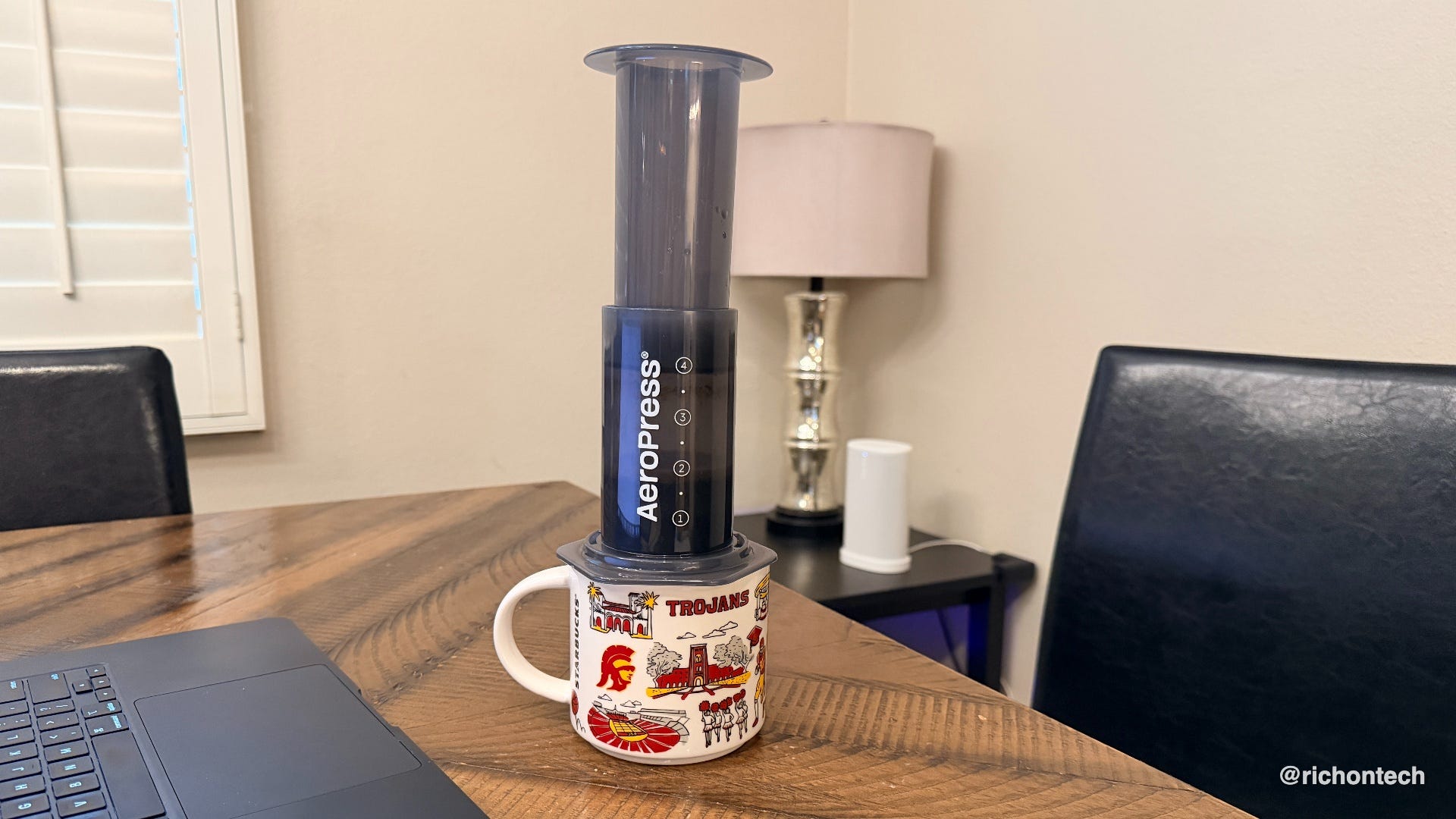
I’ll probably stick with the Keurig during busy mornings, but on weekends when I want to slow down and enjoy a better cup, this is what I’ll be using.
That’s it for this issue of the newsletter!
Be sure to tune into the radio show Saturday from 11 a.m. to 2 p.m. Call in with your tech questions or if you need tech advice at 1-888-RICH-101. You can also catch the replay Sunday nights at 5 p.m. Pacific on 710 WOR in New York, or subscribe to the podcast and listen anytime.
Rich