The real cost of Apple’s new iPhone lease
Plus: satellite connectivity, 3D printers for kids and an Android alternative to Flighty.
Greetings, and welcome to another edition of the Rich on Tech newsletter.
This week, Apple launched a new way to get an iPhone: lease it, just like a car.
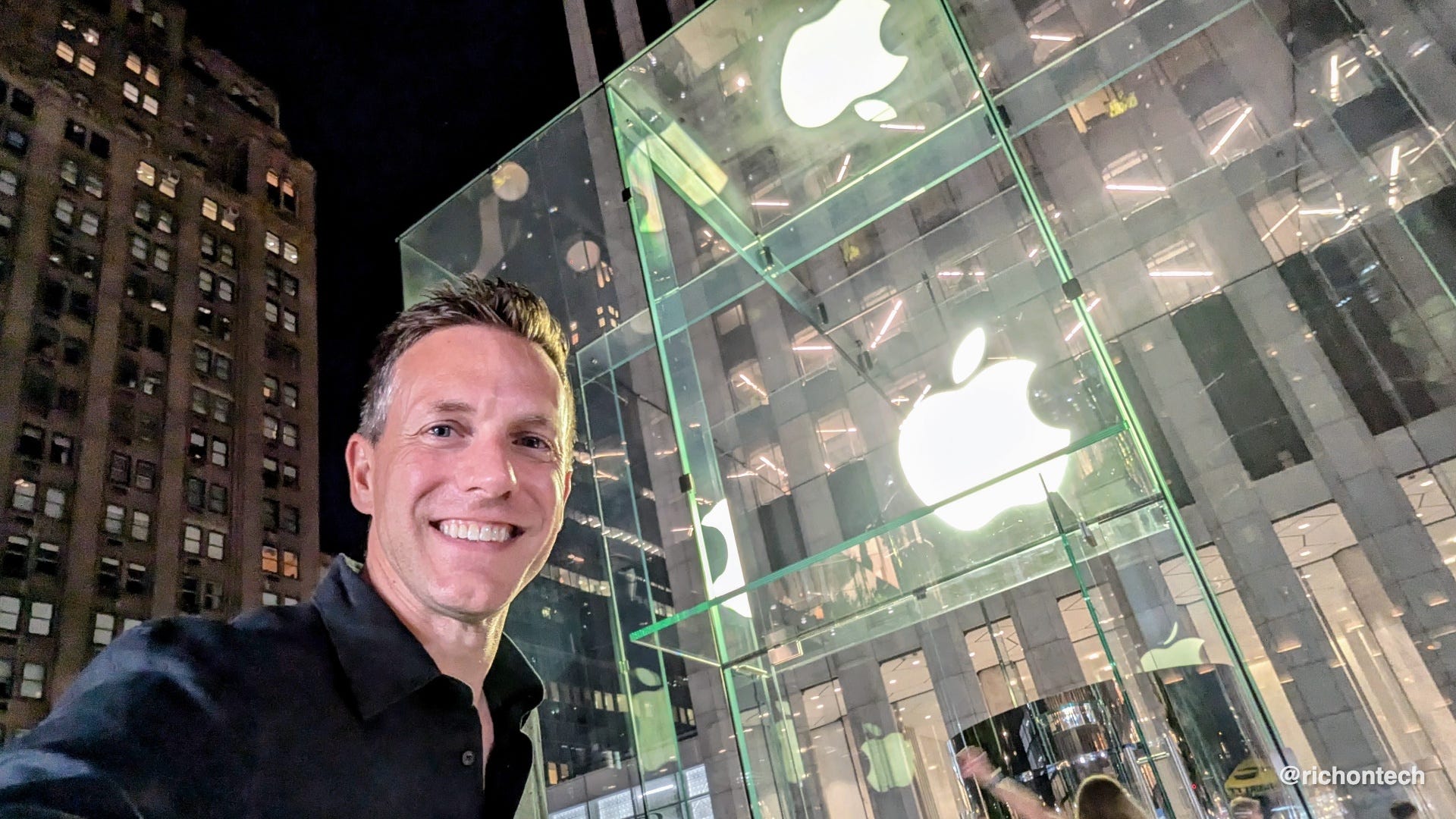
The monthly prices are certainly enticing. You can lease an iPhone for as little as $18 a month, an Apple Watch for about $12 a month or an iPad for about $12 a month.
But like any lease, the customer gets convenience while the company benefits from keeping that customer in a cycle of payments and upgrades. Apple and its leasing partner Klarna are not offering this program out of generosity.
The point is to move more devices.
The problem is, people just don’t have a compelling reason to upgrade their phones every year anymore. Smartphones have gotten so good that Assurant says people are now keeping them for about four years.
Phones have also become a little boring. The cameras improve, the processors get faster and the batteries last longer, but for many people, the phone they already have still works just fine.
I talked about this on my radio show last weekend, and the response to my Instagram clip seemed to confirm it. Lots of people chimed in to tell me which phone they were still using and how long they had owned it.
So, let’s do the math.
A new iPhone 17 with 256 gigabytes of storage costs $799 before tax. Under Apple Upgrade, the same phone costs $22.99 a month for 24 months.
That comes to $551.76.
You get to use the phone for two years, but at the end of the lease, you do not own it. You can return it, pay an additional amount to purchase it or start another lease on a newer phone.
Let’s assume you start another lease under the same terms. After four years, you would have paid $1,103.52, and you still would not own a phone.
Compare that with buying the iPhone outright. An iPhone can easily last four years, and it will probably still have some trade-in value at the end. Apple currently offers up to $195 for an iPhone 13, which was released nearly five years ago.
Using that as a rough estimate, subtract $195 from the $799 purchase price and divide the remaining $604 by 48 months.
That works out to about $12.58 a month.
The lease costs $22.99 a month.
This is not a perfect apples-to-apples comparison—pun intended. The buyer keeps one phone for four years, while the person leasing gets a newer phone after two. That faster upgrade cycle is part of what you’re paying more for: a shiny new thing more often.
And that is the major factor Apple’s pitch leaves out. Many people no longer replace their phones every 24 months.
If you already upgrade every year or two, Apple Upgrade is probably not the worst deal. You are paying for convenience, predictable payments and a newer phone on a regular schedule.
But if you typically keep your phone for three, four or even five years, buying is clearly less expensive. The longer you keep a phone you own, the lower its effective monthly cost becomes. If you remain in the leasing cycle, the payments never stop.
There are other details to consider. AppleCare is not included and costs an additional $11.99 a month if you choose AppleCare+ with Theft and Loss. You must activate the iPhone with AT&T, T-Mobile or Verizon. Prepaid plans and lower-cost carriers are not eligible at checkout, and Klarna has restrictions on which payment methods it accepts.
The phone must also be returned in good working condition. If it is damaged, lost or stolen, you could face additional charges.
I understand the appeal. Leasing is convenient, the upfront cost is low and you can move into a new phone on a predictable schedule.
But Apple and Klarna are betting that a low monthly price will encourage people to upgrade more often than they otherwise would. If you don’t mind keeping a phone for several years, buying it and using it for as long as possible remains the better deal.
After all, Klarna did not become a multibillion-dollar company by offering financing products that only benefit the customer.
Your phone may already connect to satellites
Speaking of smartphones, Deena messaged me on Instagram this week after noticing a satellite icon in the upper-right corner of her iPhone. She realized her phone could connect to a satellite, and it was the first time she had heard anything about the feature.
I figured she probably wasn’t alone, so I put together a story explaining which smartphones can connect to satellites and what the feature can actually do.
Satellite connectivity first arrived on the iPhone 14 in 2022 and has since expanded to newer iPhones, recent Google Pixel phones and select Samsung Galaxy models. The experience works a little differently depending on the device.
On supported iPhones and Pixel phones, satellite features are built into the phone and included for a certain amount of time. On Samsung phones, availability depends on your carrier and wireless plan. T-Mobile also offers satellite service on supported phones through Starlink, and a number of smartwatches now include similar emergency features.
The important thing is to find out whether your phone supports satellite connectivity before you need it.
Check out my story, see whether your phone has the feature and take a few minutes to learn how it works. You do not want the first time you try it to be during an actual emergency.
Foldable phones are fascinating, but…
People are clearly intrigued by these devices, and after using Samsung’s Galaxy Z Fold Ultra and Galaxy Z Flip 8 for the past week, I have plenty of thoughts.
Both form factors have their advantages.
The tall, narrow Galaxy Z Fold Ultra feels more like a standard smartphone when it is closed, and it also has the better camera system. The problem is that the outside screen still feels narrow compared with a traditional smartphone.
The Galaxy Z Flip 8 has a shorter, wider shape that is easier to hold and manipulate in one hand. But that form factor creates a different problem: content frequently feels cut off.
I found myself constantly scrolling, especially when the keyboard was open or I was using apps such as Instagram. Most apps simply are not designed to take full advantage of that shorter, wider display, and after a while, the experience can feel a little all over the place.
The Galaxy Z Flip 8 does not have the best cameras, either, although I do not think that will matter much to most people. They are still perfectly good.
Cases introduce another compromise. Both phones become noticeably bulkier and a little more difficult to manage once you add protection.
I really want to love the idea of a foldable. In my head, it sounds perfect: a smaller phone on the outside and a large screen on the inside, especially when traveling.
But in practice, I still cannot seem to fall in love with these devices.
That does not mean they are the wrong fit for you. I am glad we have choices, and I can see the appeal for frequent travelers or anyone who wants something resembling an e-reader and a small tablet in their pocket at all times.
That said, Samsung has clearly reached a point where the fit and finish of these foldables feels polished and mature. The hardware no longer feels experimental. So while the form factor may not be right for me, this is definitely the year when someone interested in a foldable can take the plunge with confidence.
I will have my full review soon. In the meantime, here is my hands-on look at the Galaxy Z Fold Ultra and Galaxy Z Flip 8 from London.
Why kids are obsessed with 3D printers
In non-phone news, my kids recently got a 3D printer, and they have been absolutely obsessed with it. Every day they’re printing something new, from little gadgets and desk toys to all sorts of random creations they find online.
Watching them use it made me realize that today’s 3D printers have become so much easier, faster and more affordable than they used to be. They are no longer just for hobbyists or engineers.
That inspired me to do a story to find out why kids are so fascinated by these machines, what they’re making, and what parents should know before buying one.
Download this: Aviate
If you have followed me for a while, you know I love an app called Flighty. It is one of my essential travel apps because it does much more than simply track a flight.
Flighty provides gate information, delay alerts, connection details and lots of information about the aircraft itself. It can even tell you how many times you have flown on a particular plane or route. It is super useful, but it remains available only on iPhone.
Now, a group of developers has created an Android alternative called Aviate.
Aviate is not a direct copy of Flighty. It is its own app with its own design and features, and it recently came out of beta, which means anyone can now download it from the Google Play Store.
In addition to tracking your flight, Aviate can store travel documents, provide airport parking information and show details about your route. It can warn you about possible turbulence, tell you whether your plane may have Starlink Wi-Fi and show the route’s historical performance, including its record for delays. It even offers tips for dealing with jet lag.
The basic features are free, and Aviate says it does not track users or sell their data.
What I really like is the flexible pricing. Instead of committing to a full year, you can subscribe for just one, two or three weeks for a few dollars. That makes sense for someone who only needs the extra features during a particular trip. Frequent travelers can also choose an annual subscription or a lifetime pass.
For the occasional traveler, airline apps have gotten much better and now offer many of the same basic features. But if you fly frequently, a dedicated app such as Flighty on the iPhone or Aviate on Android can be worth paying for.
Tech Tidbits
Spotify has a new Running Mode for Premium subscribers that matches music to your workout pace. Tap Search, choose Fitness and look for Running Mode. It is initially rolling out on iPhone.
If you were affected by this week’s T-Mobile outage, it may be worth contacting customer service and asking for a credit. Some customers have reported receiving $20, but T-Mobile has not announced a standard reimbursement.
YouTube Premium subscribers will get Peacock Premium included at no extra charge beginning in 2027. It is the ad-supported version, which is a little ironic for people paying YouTube to avoid ads.
EZClicker has a new large-button remote for Roku TVs. It only works with televisions that have Roku built in, not standalone Roku players or Streaming Sticks.
Q&A: Best apps for preserving a family story?
Q: I’m 80 years old and want to use a memoir app to pass my stories on to my kids and grandkids. I keep seeing ads for different ones on my phone, but I don’t know which is best. What do you recommend?
A: My top recommendation is Remento.
It sends you questions designed to spark memories, then lets you record your answers in your own voice. Remento uses AI to turn those recordings into written stories that can be paired with photos and printed in a hardcover book.
The book also includes QR codes, so your family can scan them and hear the original recordings in your voice.
Storyworth is another good option if you would rather answer a question in writing each week.
There is also a service called Storii that calls you on a traditional telephone and asks the questions that way. That is a handy option if you are not especially comfortable with technology and would rather avoid websites, QR codes and email.
There is also a DIY approach. Ask a family member to set up a phone on a tripod and record you telling your stories, or use the voice memo app to capture an interview-style conversation.
Free transcription tools can turn those recordings into text, and AI can help organize and polish the transcript into something readable. It may not be a professionally printed book, but it is a simple and meaningful way to preserve your voice, memories and family history.
Feedbag
This week, I dipped into the notes left by some of my paid subscribers.
As a reminder, this newsletter is completely free. But if you choose to upgrade, you’ll get access to the full archive of previous newsletters on the web, plus a commercial-free, higher-quality audio version of the Rich on Tech podcast.
Here are a few recent notes:
Sandra says she used to listen sporadically while living in Alaska, but now she can catch the show regularly. She added, “Love your non-techie information.”
M. says, “Love your podcast. I get loads of useful information.”
Rob says he started with the free newsletter and soon found himself looking forward to it every Saturday. He finally upgraded after reading my thoughts on ChatGPT and the shift toward verbal computing.
Tommie says the newsletter offers “very useful and, more importantly, honest information.”
Carlos says he had been listening to the podcast for free but wanted access to the newsletter archive so he could go back and find some of the most useful recommendations.
And Diane says, “Your pearls of wisdom make the complex world of technology accessible and easy to understand.”
Thank you to everyone who reads, listens, shares, subscribes or upgrades. Your support helps keep all of this going.
Blast from the past
Finally, Stephen wrote in to ask, “Is this Rich DeMuro at CNET of yesteryear?”
He included a screenshot of me holding the original iPhone, and yes, that is indeed me.
I was at the iPhone launch in New York City in 2007 while working at CNET. As soon as I got my hands on the phone, I rushed back to the studio and started recording videos about its different features.
You can also see the phone I was using at the time: the Motorola Q.
I loved that phone. It was Motorola’s answer to the BlackBerry, with a full keyboard and Windows Mobile, which gave it a little more flexibility than BlackBerry devices at the time.
Thanks, Stephen, for the fun memory and for watching all these years later.
That’s going to do it for this week.
If you have a tech question, don't forget my radio show is live every Saturday from 11 AM to 2 PM Pacific on KFI AM 640. Give me a call at 1-888-RICH-101 (1-888-742-4101).
Can’t listen live? You can catch the replay Sunday evenings on 710 WOR in New York, subscribe to the podcast and listen anytime on demand.
Rich
Referral links for services I like and use
People ask me all the time what apps, gadgets, and services I actually use. This page is my running list of products I recommend to friends, family, and viewers.


