
If your phone is ringing off the hook with spam and scam calls, there are some simple settings you can turn on to fight back. And the good news is that you don’t necessarily need to pay for another app.
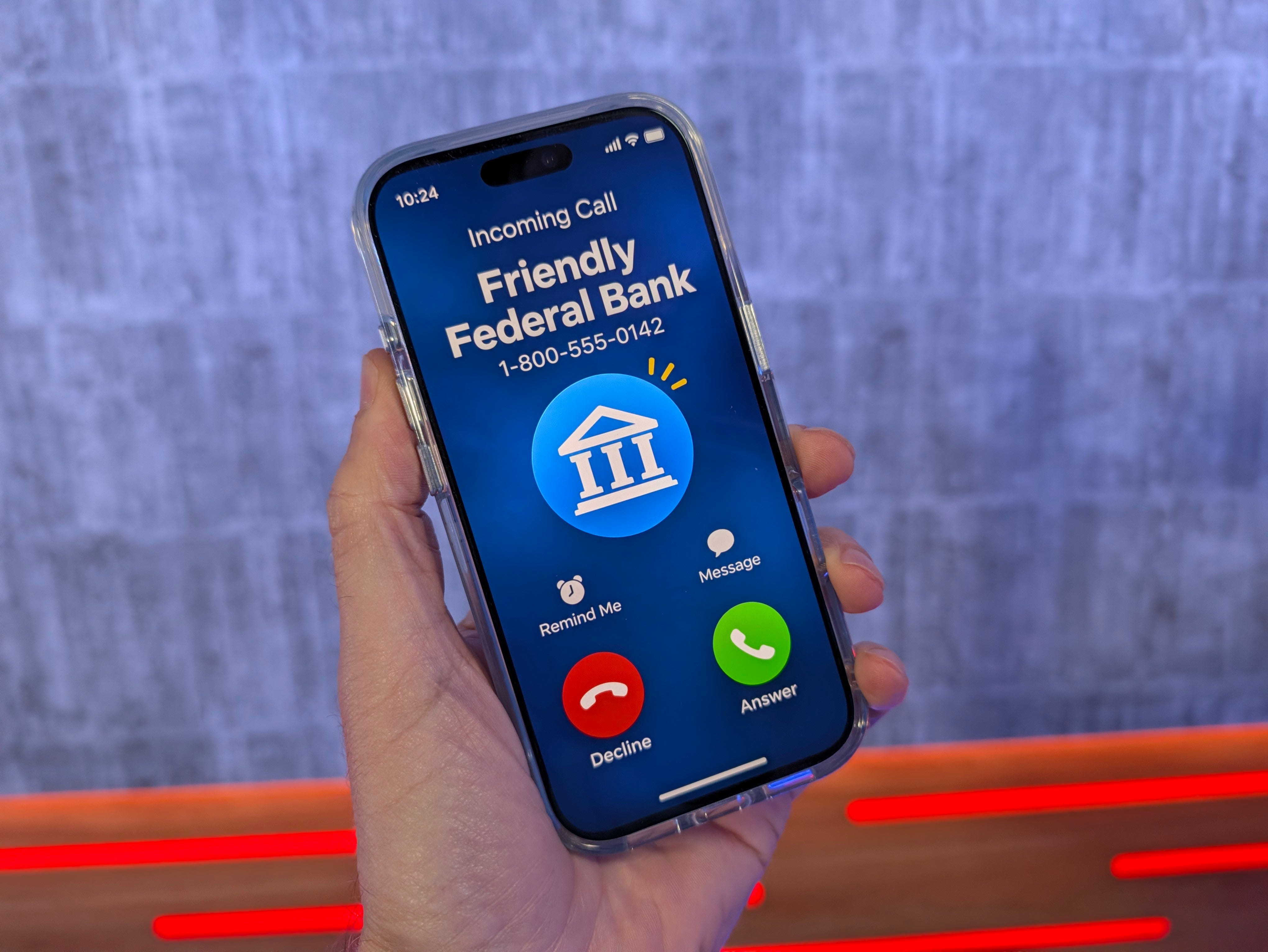
One of the best things you can do is turn on your phone’s built-in call screening. This can answer unknown calls, ask who’s calling and why, and give you a chance to decide whether to pick up.
On iPhone, go to Settings > Apps > Phone and look for Screen Unknown Callers. Choose Ask Reason for Calling.
On Samsung, open the Phone app, tap the three dots, then Settings, and look for Call Screening. You can choose to screen suspected spam calls or all unknown callers.
On Google Pixel, open the Phone app, go to Settings, and look for Call Screen.
You can also block repeat offenders by finding their number in your recent calls and choosing Block Contact. But there’s a catch. Scammers constantly change or spoof their numbers, so blocking them one by one isn’t very effective.
Another option is your wireless carrier’s free spam protection. AT&T offers the ActiveArmor app, Verizon has the Call Filter app, and T-Mobile has Scam Protection built into its network.
If you’re on T-Mobile, you can block suspected scam calls from ringing by dialing #662#.
It’s also worth trying to keep your phone number off marketing lists. Services like Incogni, Optery and Cloaked can help remove your personal information from data brokers. California residents also have access to a free program called DROP. Just remember, these services won’t eliminate every spam call.
Another tip is to think twice before giving out your real cell number. Consider using a secondary number for shopping, online accounts and signups. Verizon and T-Mobile offer additional lines for a monthly fee, while Google Voice and TextNow have free options.
Finally, don’t answer calls from numbers you don’t recognize. If you do pick up and it’s a legitimate business, ask to be removed from its calling list.
If it sounds like a scam, here’s something I’ve found works: Turn on your phone’s call recording feature (Pixel / iPhone / Samsung) In my experience, as soon as scammers hear the announcement that the call is being recorded, they hang up. Just be mindful of call recording consent laws.
And one last reminder: scammers can fake caller ID. Even if your phone says your bank is calling, don’t automatically trust it. Hang up and call the bank yourself using the number on the back of your card or in its official app.