
If your inbox has more junk than messages you actually want to read, deleting spam isn’t enough. There are a few simple things you can do that may help reduce how much shows up in the first place.
First, use the Report spam or Junk button instead of just hitting delete. That gives your email provider another signal to recognize similar messages and hopefully keep them out of your inbox in the future.
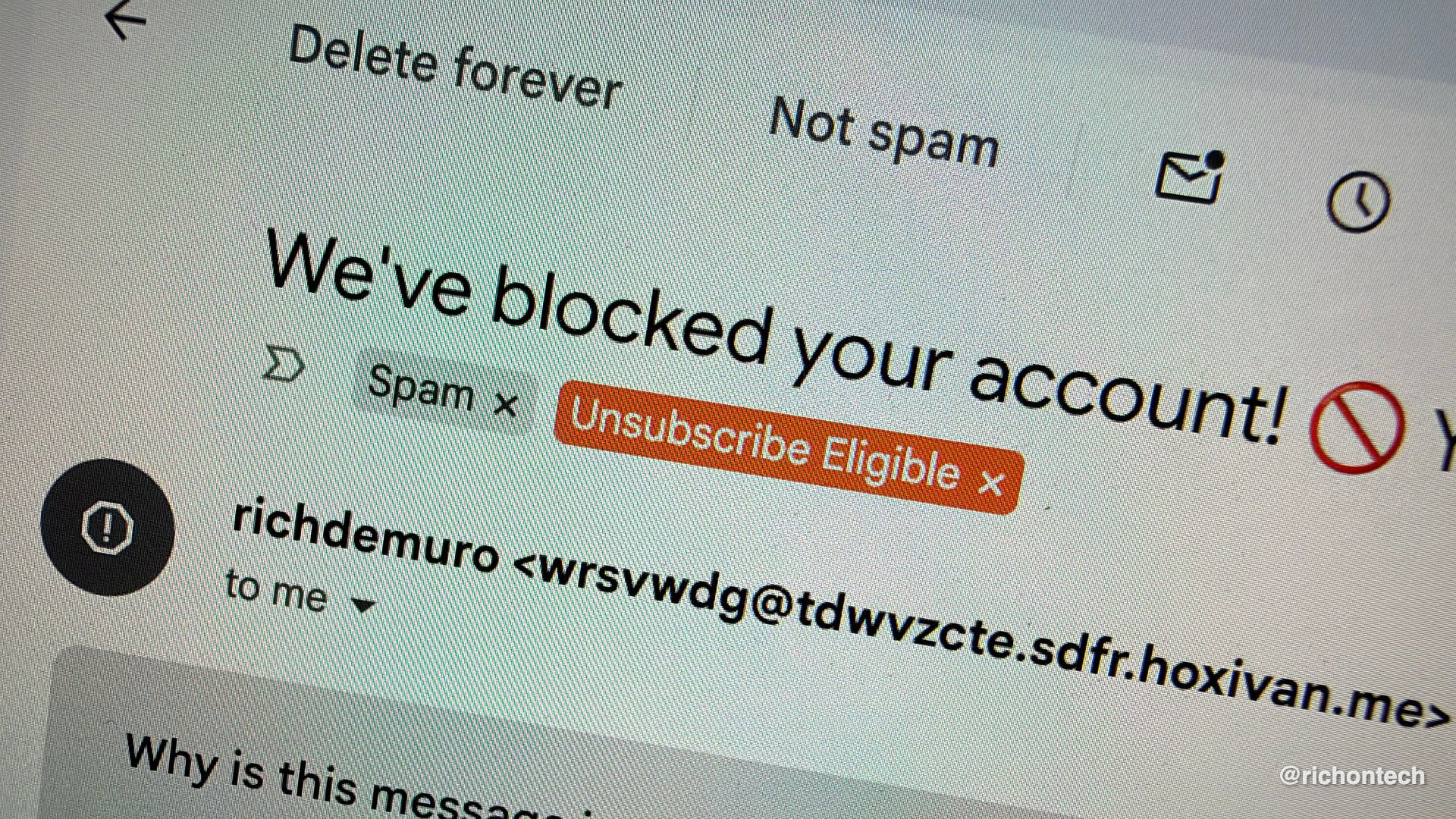
When it comes to unsubscribing, use a little common sense. If it’s a legitimate company or newsletter you recognize, go ahead and hit unsubscribe. But if the message came out of nowhere or looks suspicious, don’t click anything and don’t reply. Engaging with a sketchy email can confirm that your address is active.
Another setting to check is automatic image loading. Some marketing emails contain tiny tracking images that can tell the sender when you opened the message. Turning off automatic image loading can limit that kind of tracking. It might be annoying to toggle on images in important emails to see them, but I think it’s worth the tradeoff.
Going forward, I’m also a big fan of email aliases. Apple’s Hide My Email and services like Alias.email let you create a different address for shopping, newsletters and website sign-ups while still forwarding messages to your regular inbox. If one of those addresses starts getting bombarded with spam, you can simply shut it down.
If you use Gmail, check out Manage subscriptions in the sidebar. It brings many of your subscription emails together in one place and makes it easier to unsubscribe from the ones you no longer want.
And here’s my pro tip: create a filter that looks for the word “unsubscribe” and automatically adds a bright red label like “UNSUBSCRIBE ELIGIBLE.” Now every time one of those emails arrives, you get a visual reminder that you probably don’t need to keep getting it.
The goal isn’t necessarily inbox zero. It’s making sure more of what lands in your inbox is actually worth your attention.