
When Siri first launched, it changed how we used our phones. But as AI moved forward, Siri started to feel stuck in the past.
Apple is hoping to change that later this year with a new version of Siri AI, and I’ve been testing an early beta for the past few weeks.
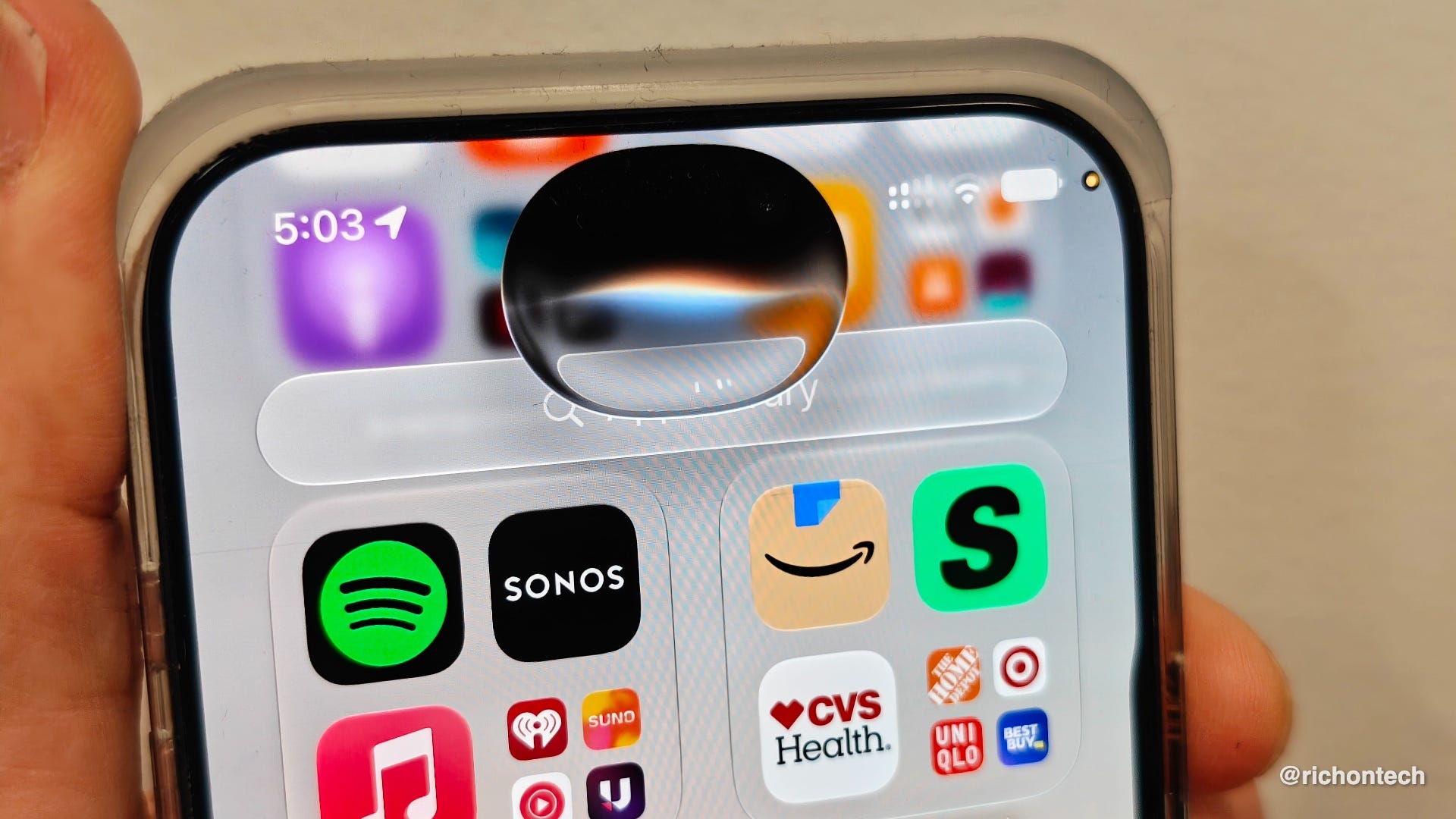
It’s still rough around the edges, but the direction is clear: Siri is becoming much more helpful.
The biggest change is that Siri can now understand more of the information on your phone. That includes things like your messages, emails, notes, photos, calendar, and more. So instead of digging through apps, you can ask Siri questions based on your own information.
It can also understand what’s on your screen. That means if you’re looking at an event, a message, a photo, or a webpage, you don’t have to explain everything from scratch. Siri can use that context to help you take the next step.
Another major upgrade is that Siri can take actions across apps. For example, you can ask it to draft a note, add something to your calendar, or help organize information without jumping between apps yourself.
And finally, Siri can now handle more open-ended questions, similar to the way people use ChatGPT. You can ask for travel ideas, help learning something new, or even brainstorm a plan.
There’s also a new Siri mode inside the camera. You can point your phone at something to identify it, ask follow-up questions, or take action based on what you’re seeing.
A new Siri app saves your conversations so you can pick up where you left off across Apple devices. You can search old chats, pin important ones, or set them to delete automatically.
Of course, the big question with any AI assistant is privacy. Apple says most of this runs directly on your device. When Siri needs more power, it uses Apple’s Private Cloud Compute system, which the company says does not store your data or use it to train its AI models.
Apple says the new Siri AI will arrive later this year as part of iOS 27. You’ll need an iPhone 15 Pro or newer to use it.