
A brand new computer can cost hundreds, even thousands of dollars. But you don’t necessarily have to spend anything to get that fresh-out-of-the-box feeling.
With a few simple steps, you can breathe new life into the computer you already have.
Start with a clean slate
One of the easiest ways to speed things up is a clean install of your operating system. That means erasing everything and starting over from scratch.
But before you do anything, back up your files.
Move them to the cloud or copy them to an external drive. On a Mac, you can use Time Machine. On Windows, use the built-in backup tool or File History.
It’s also a good idea to make a quick list of the apps you use and any important settings so you can set things back up the way you like.
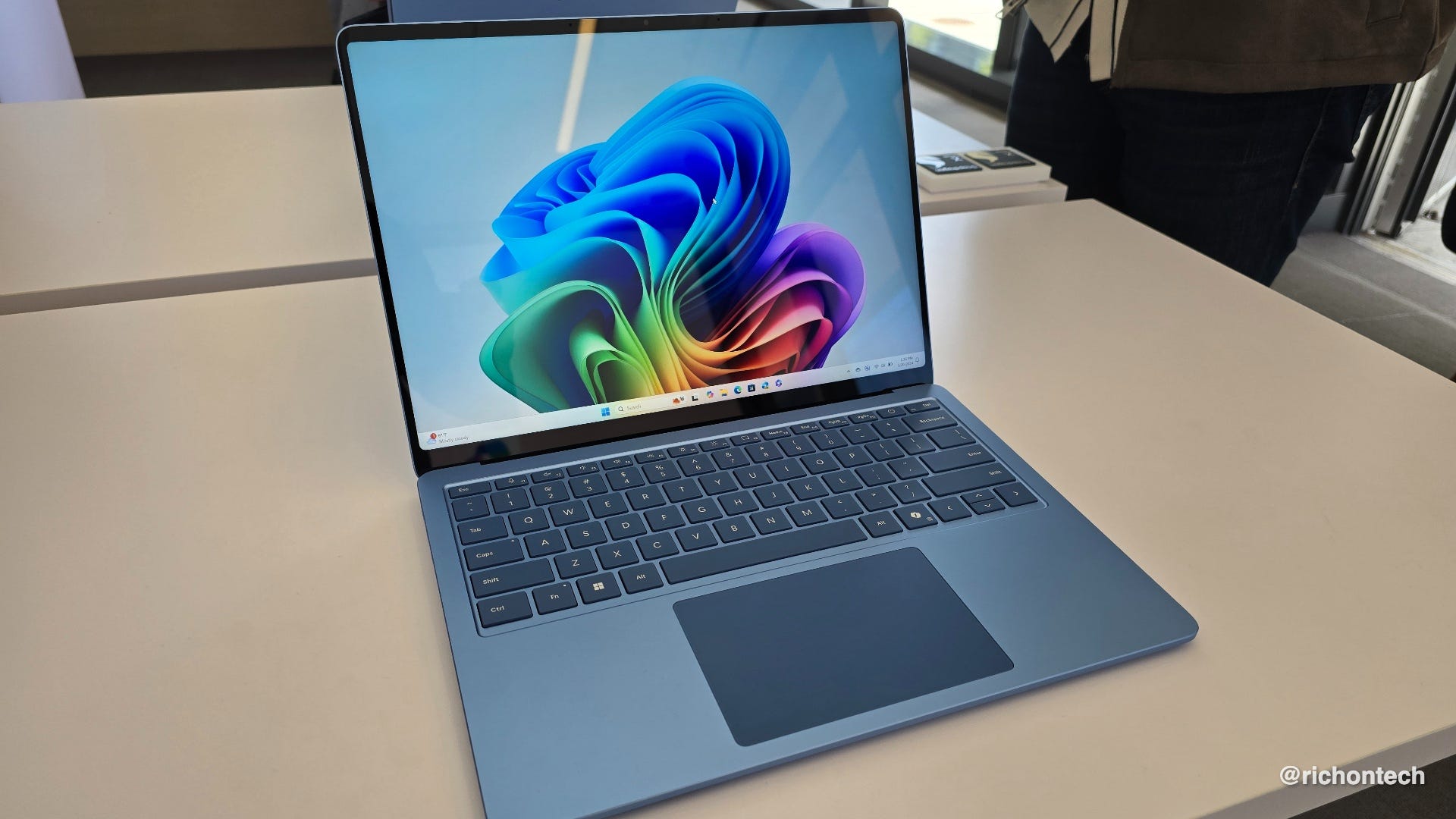
How to reset your computer
Once you’re ready:
On a Mac, go to System Settings, then General, then Transfer or Reset, and choose Erase.
On Windows, search for “Reset,” go to “Reset this PC,” and choose the option to remove everything.
Just remember, this completely erases everything on your computer except the operating system. Your files, folders, photos and everything else. There’s no undo.
The upside? When you set it back up, you can install only what you need and leave the clutter behind.
Give it a quick refresh
A little physical cleanup can go a long way too.
Use some canned air to clear out dust and a gentle cleaner like Whoosh to wipe down the screen and keyboard. It can make your computer look and feel like new.
Another option for older computers
If your computer is really showing its age, there’s another option: install an alternative operating system.
Options like Chrome OS Flex or Linux Mint are free and lightweight.
See the installation guide for Chrome OS Flex here.
See the installation guide for Linux Mint here.
Chrome OS Flex can turn an older computer into something that works more like a Chromebook. Linux Mint is also lightweight and feels familiar, especially for Windows users, though most programs come from its own app store.
These systems can make even a 10-year-old computer feel fast again. They’re great for web browsing, email and streaming video, and in many cases, more secure than what you had before.
Installing an alternative operating system can be fairly simple, but only if you know what you’re doing. If not, it’s worth getting help from someone who does.
Why subscribe to the Rich on Tech newsletter?
If you like practical tech advice that actually makes your life easier, you’ll feel right at home with the Rich on Tech newsletter.