
No matter how much storage your phone has, somehow it always seems to fill up. Photos and videos are usually the biggest culprits, but before you start randomly deleting things, there are some smarter ways to make room.
First, understand the difference between storage on your phone and storage in the cloud. They’re related, but they’re not the same thing.
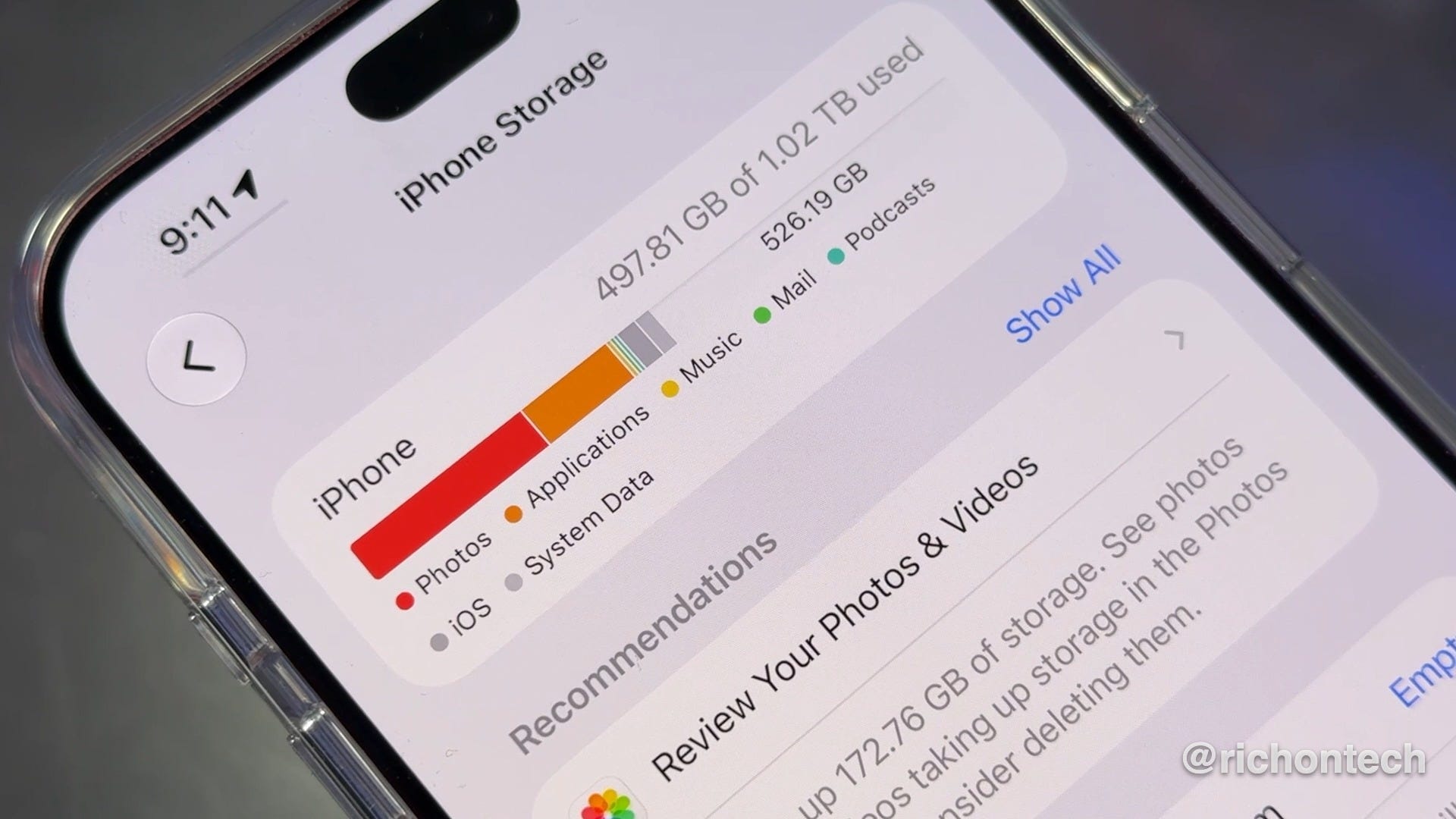
On an iPhone, go to Settings, General, then iPhone Storage. You’ll see exactly what’s taking up space, along with Apple’s recommendations for freeing some up.
Your iCloud storage is separate. Go to Settings, tap your name, then iCloud. This is where you can see what’s taking up your cloud storage and remove things you no longer need, including old device backups.
If photos are consuming a lot of space on your iPhone, make sure Optimize iPhone Storage is turned on. With iCloud Photos, this keeps the full-resolution originals in iCloud while storing smaller versions on your phone when space is tight.
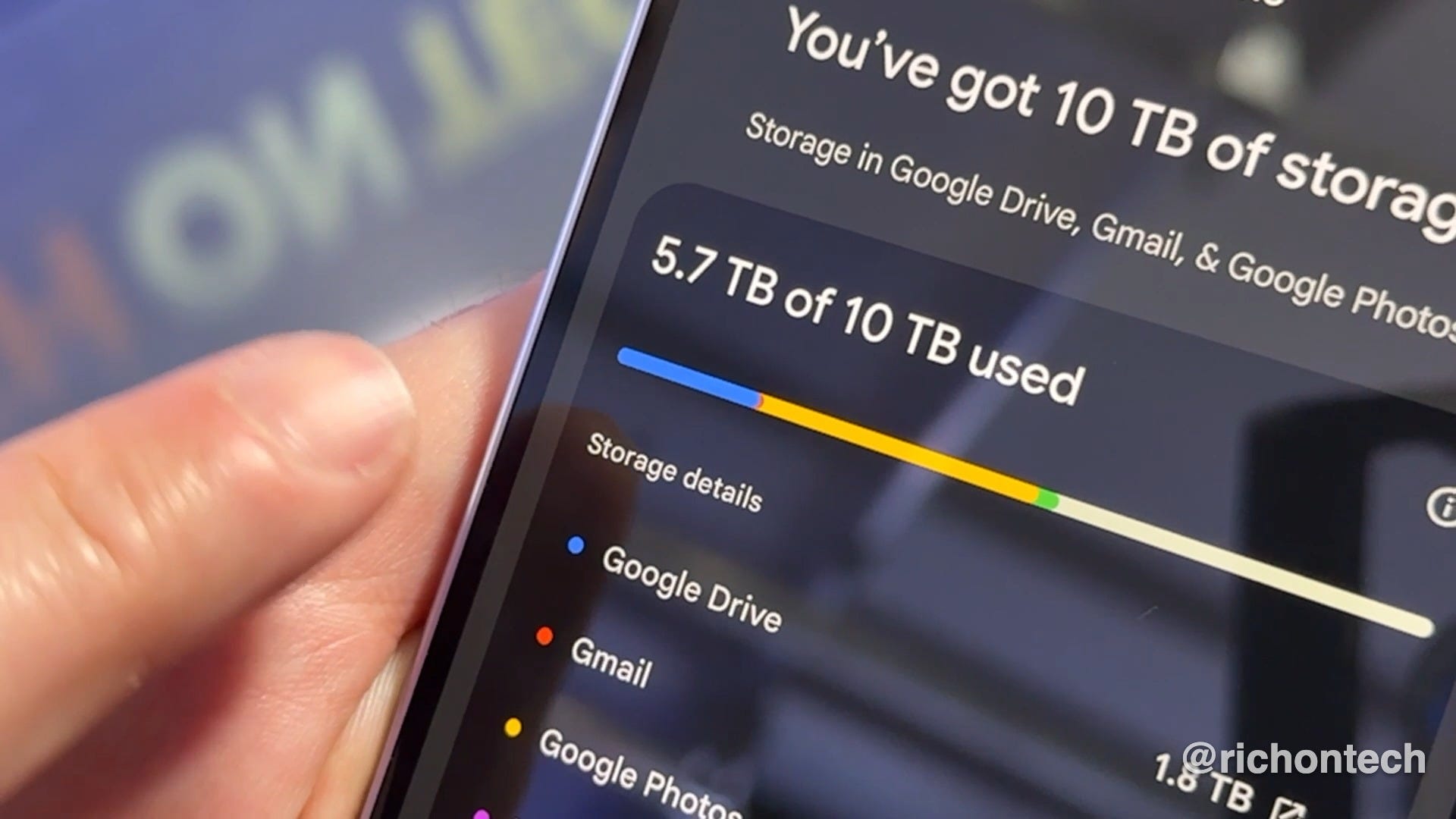
On a Samsung phone, go to Settings, Device Care, then Storage. For your Google cloud storage, check the Google One app (iOS and Android) or Google One website. Remember that your Google storage is shared across Google Photos, Drive and Gmail.
If you need space quickly, I’d start with videos. A few large videos you no longer need can free up gigabytes in seconds.
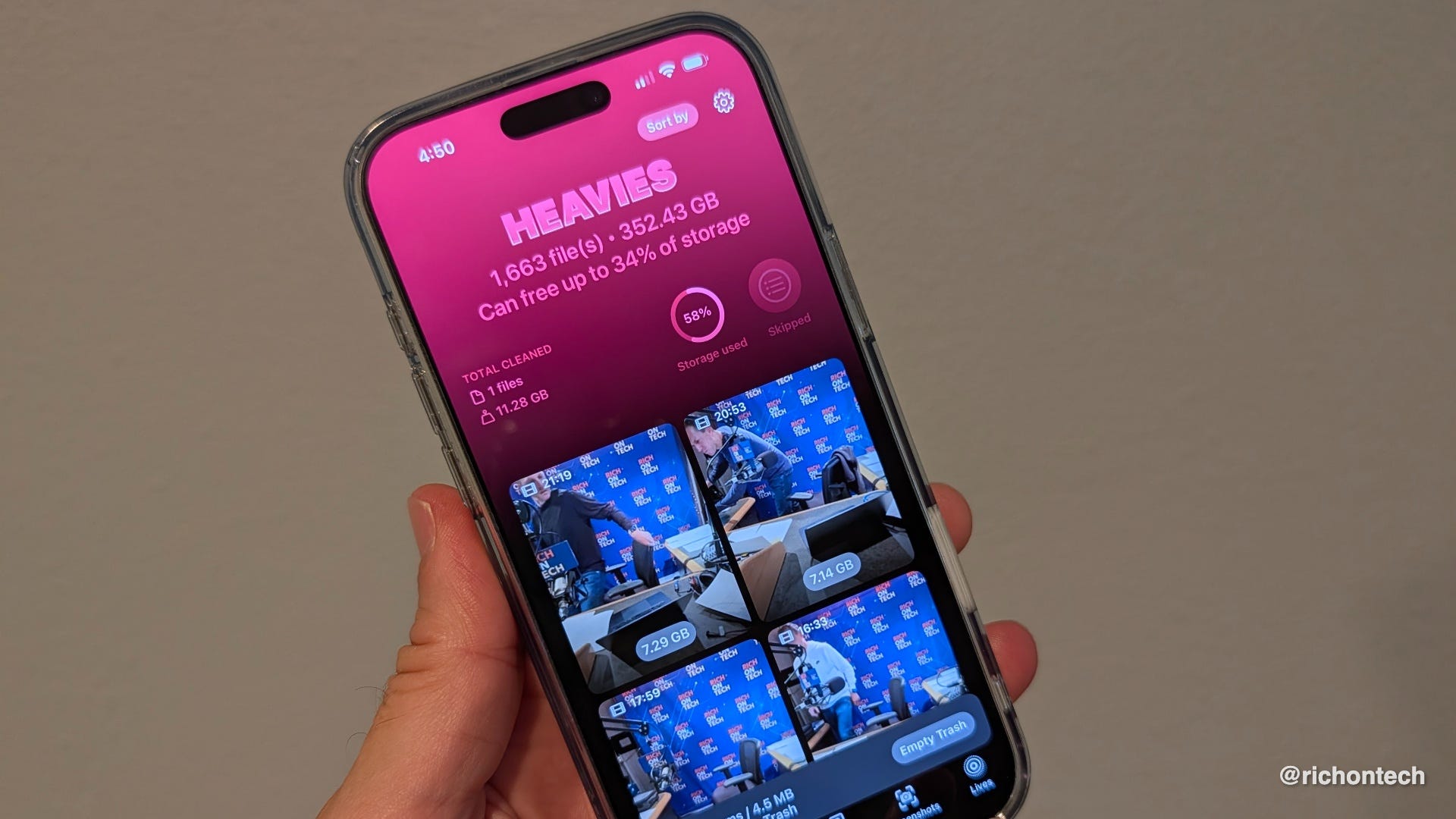
There are apps that can help, too. On iPhone, I’ve used Clever Cleaner to find similar photos, screenshots and large videos, although some features are more limited than they used to be. Be careful of similar apps and if you are presented with a subscription screen look for an X to bypass to use the free features.
On Android, Files by Google has a Clean feature that can identify junk files, duplicates and large files. Samsung’s built-in My Files app can do some of this as well.
One important warning: if you use iCloud Photos, deleting a photo from your iPhone also deletes it from iCloud and your other synced Apple devices.
Before doing a major cleanup, make sure anything important is backed up. And check your Recently Deleted or Trash folders afterward. Files sitting there can continue taking up space until they’re permanently deleted.
Just double-check what’s in there before you hit delete for good.
I have Samsung s24...with auto uploads to OneDrive (which is going away this month). I have Google Drive as well.
I want to clean up my pics, but don't want to lose them permanently...what are my options?