How I pick the perfect book every time
Plus Amazon driver tips, a great hiking app and a retro Santa photo idea
Hello there, and thanks for reading!
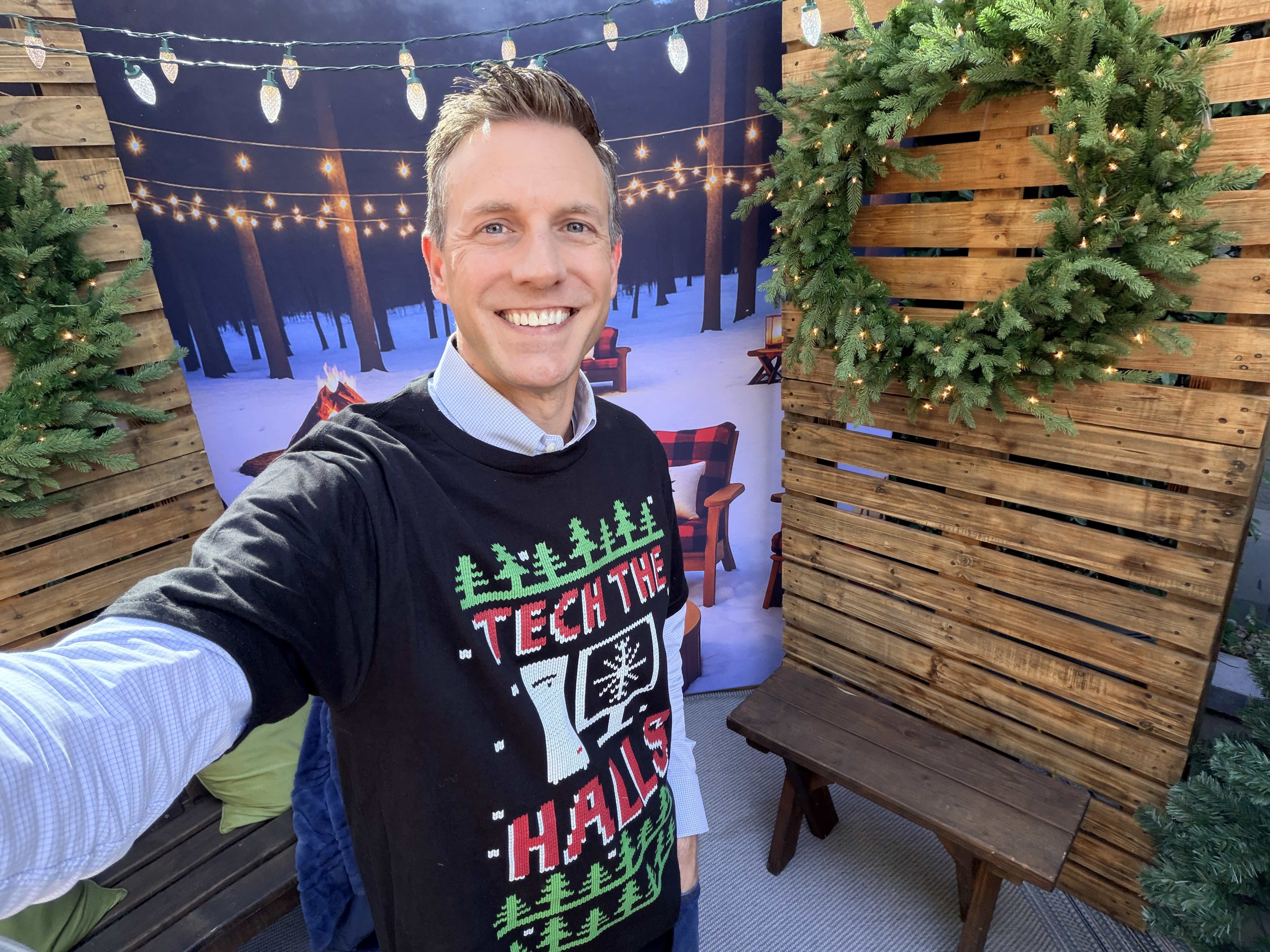
We took last week off and drove to Arizona for Thanksgiving. I thought a road trip with the kids might be fun, and we stopped in two cities along the way. The weather was great, and being together reminded me that vacations aren’t about where you go. It’s the time with your family.
In the past, I’d ignore all email when I was away, but I realized that just makes me more stressed. This time I brought my laptop, and each morning I spent about 30 minutes triaging my inbox over coffee. If you emailed me in the last couple of weeks and the reply was slow, that’s why.
One tip from the trip that still makes me laugh. We pulled up to a hotel in Scottsdale where valet seemed to be the only option. I asked, “What are my parking options here?” The valet said overnight parking was $50, but I could also try the street. I asked where. He pointed across the street to a perfectly open spot. That one question saved me at least $100. It won’t work everywhere, but I’m asking every valet from now on.
The Hiking Tool I Now Use Every Time
We also took a hike near Tucson that was longer than we thought but still excellent and a lot of fun.
And I have to say, I didn’t truly get into hiking until I downloaded AllTrails. It is an incredible tool for finding hikes and guiding you while you’re on one. You get GPS guidance that shows the exact trail and whether you’re still on it.
If you have an Apple Watch, it gets even better. The compass displays a green section when you’re facing the right direction and red when you’re not. Just rotate until you’re pointed toward the green and you’re back on track. It takes the guesswork out of hiking and makes every trail feel a little more approachable.
Pro tip: You’ll need AllTrails+ if you want to download offline maps, but it’s worth it if you hike even a couple of times a year. It’s about $35 and gives you peace of mind when you’re out of cell range.
I Built My Own AI Book Recommender
You know I host a radio show about tech, I’m on TV talking about tech, and I write this newsletter about tech, but at heart I’m just a nerd. Truly.
Case in point: What did I spend my Sunday morning doing? Building my own personal AI book recommendation service.
Why? I’ll be honest. I like getting my books for free through Libby on my Kindle. The fastest way to grab something new is to check Libby’s Skip the Line section. Those are titles you can borrow instantly with no wait, which is great, but I’m not always familiar with what’s on the list. I end up browsing forever, reading samples, bouncing between titles, and wasting way too much time.
So I figured there had to be a better way.
I gathered all the books I’ve truly enjoyed from Goodreads, my Kindle library, and my bookshelf, dumped them into a cataloging tool called Libib, and exported a file with everything. Then I created a new project in ChatGPT called “Books I like” and gave it this instruction:
“Check the project files for my list of loved books and let me know if you think I would like the book title entered or which book I would like best out of all of them I entered.”
Now I can paste in any book title and get a personalized analysis of whether it matches my taste.
So far, so good. I’m already reading the first recommendation it gave me and loving it. I’ll share the title once I finish it.
Make A Retro Mall Santa Pic in Seconds
There’s something fun you can try with AI. Find an old photo of yourself as a kid, upload it to Google’s Nano Banana, and use this prompt:
recreate a nostalgic mall santa photo of me sitting on santa’s lap with classic mall decor, soft film grain, and faded holiday colors.
You will not believe the result. It’s pretty incredible.
I even sent mine to my parents and asked if they remembered that moment. I eventually told them it was AI, but even my Mom said it looked pretty darn realistic.
Who knew Google would end up creating one of the best photo editing and generation tools out there? Don’t overlook it the next time you need to enhance a picture, fix an old one, change a background, or add a border. It’s wild what it can do.
A Quick Way to Thank Your Amazon Driver
If you’re like me and you get multiple Amazon packages every week, here’s a simple way to thank your driver. All you have to say is, “Alexa, thank my driver.” Amazon will send five dollars their way on your behalf, and it won’t cost you anything. If you don’t have an Alexa device, just type that same phrase into the Amazon search box and follow the directions.
This runs through the end of the month, but only until 2 million thank-you submissions are received.
After that, drivers will be entered into a daily raffle for bonuses based on the number of thank-you messages they receive.
You might remember Amazon ran a similar program last year.
A Simple Way to Verify Suspicious Messages
Google’s Circle to Search has a new trick. It can help you spot scam messages.
I don’t know about you, but I get these daily. Apple and Android filter a lot of them into spam, but some still slip through. Recent examples I’ve seen include “We’re hiring a remote assistant,” “The recruitment team is getting in touch,” and fake Coinbase alerts.
Most of the time you can tell they’re bogus, but every now and then one looks convincing. Google’s AI can now analyze these messages and give you a quick evaluation of whether they seem real.
Here’s how to try it.
On Android with Circle to Search
• Long press the home button or navigation bar
• Circle the suspicious text
Through Google Lens in the Google app (Android and iOS)
• Take a screenshot of the message
• Open Lens in the Google app
• Tap the screenshot
I’ve tested a few questionable texts and it’s good. Tell your family about this one. On Android, it’s as simple as circling the text. And even if they’re on iPhone, once they know how to take a screenshot and open it in Lens, they can get the same quick evaluation.
Sponsored: Getting paid to do your holiday shopping
Cashback apps are projected to hit $7+ billion this year, and 76% of shoppers now prefer mobile rewards over traditional loyalty programs. If you haven’t set up ShopBack yet, you’re leaving money on the table this holiday season.
ShopBack is the first U.S. cashback app to offer Zara, and they’re the only major app that works on Amazon. Right now they’re running elevated holiday rates - 22% at LG, 120% at ExpressVPN, 20% at Booking.com for holiday travel.
ShopBack consistently offers 3-10x higher rates than competitors at stores like Best Buy, Target, Walmart, Home Depot - and it stacks on top of sale prices. Real cash to PayPal, not points.
Check the app regularly for daily holiday deals. Set it up now if you haven’t already. New users get a $20 bonus with code RICHONTECH at https://app.shopback.com/usa/partner/RICHONTECH
Works at 5,000+ stores. Takes two minutes to set up.
The Hidden Data Inside Your Photos
On TV this week, I did a segment inspired by a caller on the radio show. Somehow it came out that they had no idea their smartphone photos contain metadata, also known as EXIF data. This information can reveal where a picture was taken, which isn’t ideal if you upload that photo to a forum, an online marketplace, or even a dating app. Someone could potentially look at the data and pinpoint the location.
You can try this yourself. Upload any photo to the site Online EXIF Viewer and you’ll see all the hidden data attached to your image.
In the segment, I explained how to turn off location data when you share photos. A few people commented that you can simply turn off location tagging in the camera altogether, but I don’t recommend that. That same location data helps organize your photo library. If you ever want to search for pictures from a specific city, your phone relies on that metadata to surface the right images. Without it, finding those moments becomes a lot harder.
Behind the Scenes With Ring’s Creator
I also aired my segment this week featuring my interview with Ring founder Jamie Siminoff. I finished his new book, Ding Dong, while I was on vacation and found it to be a fun, easy read packed with behind-the-scenes stories. I also loved his core thesis: the American dream is still alive if you’re willing to work hard enough to chase it.
A Bare Bones EV Starting in the Mid 20s
Would you buy a car with no center console screen? That’s one of the things you won’t find in the Slate EV. It’s a startup aiming to build a super-affordable, no-frills electric vehicle. The base model starts in the mid-20s, and you add only what you want, whether that’s a paint wrap, Bluetooth audio, speakers, or other accessories. Heating and cooling are standard, but even the windows are manual roll-downs by default.
Tech Tidbits
Netflix is acquiring Warner Bros. for $72 billion. The irony here is rich. Back in the early days, studios like Warner Bros. reportedly laughed Netflix out of meetings when the startup was trying to license content. Now Netflix is buying them.
Samsung unveiled a tri-fold phone called the Galaxy Z TriFold. Picture three screens side by side that fold down with two hinges. We’ll see it in person next month at CES. It goes on sale in the US in Q1 2026 for about 2,500 dollars.
Tesla has cracked Consumer Reports’ Top 10 car brands based on reliability and other factors. Subaru is number one this year, and Audi saw the biggest drop.
Everyone is talking about their Spotify Wrapped “Age,” which assigns you an age based on your listening habits. Mine came in at 20. Go figure. I’ve always liked listening to new music to see if I can predict the next hit. Apple Music, YouTube, iHeartRadio Rewind and even the journaling app Reflection all rolled out similar year end features that are easy to share.
Kind Words From Readers
“I’ve been watching you on KTLA 5 and listening to you on KFI for years. You explain things in a way a novice like me can understand.” — Monique
“Your advice is valuable because you explain how the tech works, not just the answer.” — S. Flan
“You are amazing. I watch you on KTLA and look forward to your newsletter each week.” — Jan S.
“Long time listener, first time subscriber. Thanks for being so accessible.” — Joe A.
“I love the relevant, easy-to-follow content. Thanks, Rich.” — Utah Ute
We crossed the 60,000 subscriber mark in the past month and even picked up a wave of new paid subscribers from the Cyber Deal. I appreciate everyone who signed up. Remember, if you signed up for a paid subscription, you get a commercial-free version of my podcast. Just make sure that special feed is set up in your favorite podcast app.
If you grabbed the Cyber Deal and don’t want a surprise charge at the regular price next year, turn off auto-renewal now. On Substack, go to your Account Settings on the web, find the paid publication under “Subscriptions,” then look for “Cancel Subscription” under “Account actions.” That stops future charges while keeping access until your paid period ends. You have to do it before the renewal date.
You might be thinking, “Why would you tell us this, Rich?” Because that’s the kind of tech person I am. I’m not a gatekeeper. If I know something that helps me stay organized and efficient, you’ll know it too.
And honestly, this is my rule for many subscriptions I sign up for. I cancel auto-renewal immediately. It keeps me in control and gives me time to decide if I actually want to pay for another year. With digital subscriptions, it’s no big deal. If you change your mind, just re-subscribe and you’re back in seconds.
My Go To Christmas Station
Before I go, I’ve got to share something. I’ve listened to a lot of Christmas stations over the years, and there’s one I keep coming back to. I genuinely think it’s the best. And this isn’t because I work with iHeartRadio. I was listening to it long before that.
It’s iHeart Christmas, and I have no idea what the magic formula is behind the programming, but it just works. It has the mix I want… a little old, a little new, and the pacing just feels right. If you love Christmas music as much as I do, give it a listen. It’s also commercial-free for the season, which is a nice bonus.
That’s going to do it for this edition of the newsletter. Thanks, as always, for reading. We’ll see you on the radio on KFI AM 640 at 11 am Saturday. And if you miss it, you can catch the rebroadcast on 710 WOR in New York City starting at 5 pm PST Sunday night.
Rich


