
A smartwatch is easy to think of as a fitness gadget, but for 86-year-old Marge Birmingham, it may have been the thing that got her help when she needed it most.
Marge lives alone, with her closest daughter about four hours away. She says she was sitting on the couch doing an exercise, and the next thing she remembers is sitting in a chair holding ice to her head. She had fallen, hit her head, lost consciousness, and ended up with injuries to her brain, eye, and neck. She spent days in the ICU.
Her Apple Watch detected the fall and sent an alert to her daughters. One of them, Vicki, said she was talking with a friend when her phone suddenly notified her that her mother had taken a hard fall and needed emergency services. The family called a neighbor right away, who went to check on her.
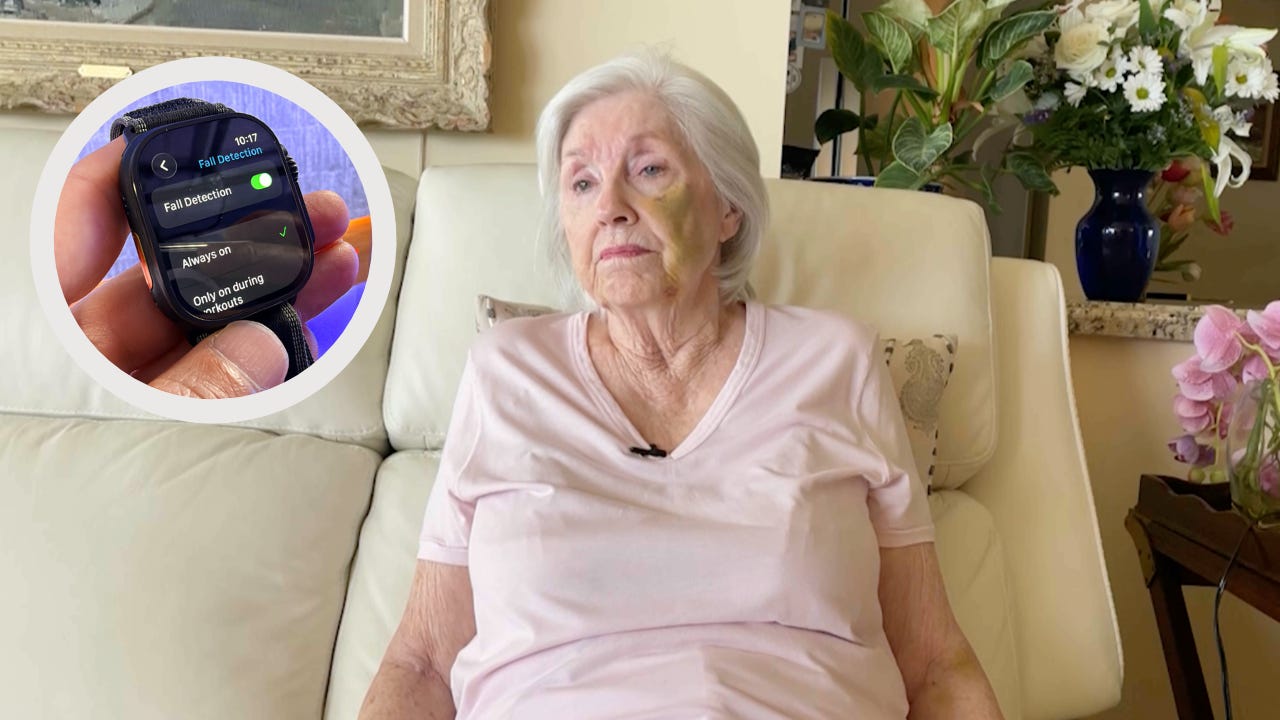
That is exactly the kind of moment where this feature matters. Caroline Cicero, a gerontology professor at USC, told me she has seen situations where someone falls and is stuck on the floor for a day before anyone finds them. A device that can notify emergency services or a family member can make a real difference, especially for older adults who live alone.
Apple Watch, Samsung Galaxy Watch, and Google Pixel Watch all offer fall detection. After a hard fall, the watch can check whether you respond. If you do not, it can automatically call 911 and notify your emergency contacts. One thing to know: most watches need your phone nearby unless you have a cellular model.
If you wear a smartwatch, take a minute today to check that fall detection is enabled and your emergency contacts are current. It is one of those settings you hope you never need, but you will be glad it is there if you do.
To turn on fall detection on an Apple Watch, open the Watch app on your iPhone, tap Emergency SOS, then make sure Fall Detection is turned on.
For a Samsung Galaxy Watch, open the Galaxy Wearable app, tap Watch settings, then Safety and emergency, and turn on Hard fall detection.
For a Google Pixel Watch, open the Pixel Watch app, tap Safety & emergency, then Fall Detection, and make sure it’s turned on.
One more thing to check: make sure your emergency contacts are up to date. On most watches, that’s who gets notified if the watch detects a serious fall and you don’t respond.