
There’s a new kind of laptop hitting store shelves, and it combines some of the best features of an Android phone with the simplicity of a Chromebook.
They’re called Googlebooks, and I’ve been testing one for the past week. In fact, I wrote my latest newsletter on one.
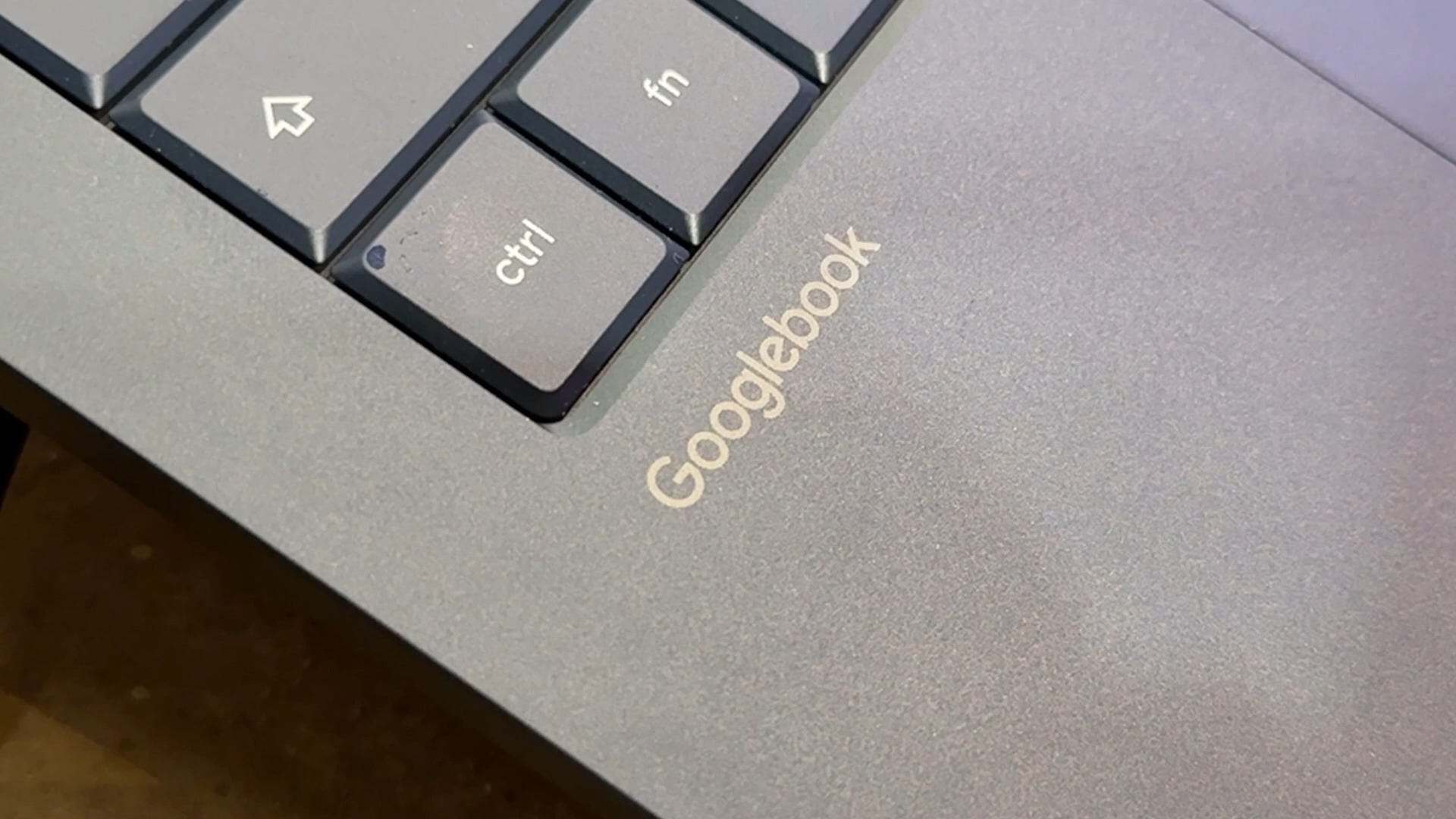
Googlebooks run an entirely new operating system called Googlebook OS, which blends ChromeOS and Android. The biggest difference is that you can install apps from the Google Play Store, just like on your phone.
Well, most apps anyway. The one app I really needed, Evernote, isn’t compatible just yet.
But having access to Android apps opens up some interesting possibilities. For example, you can download Netflix movies and shows to watch offline, something that’s been missing from most laptops.
Googlebooks also work closely with Android phones. You can pick up a website where you left off on your phone, easily transfer files between devices, and even open phone apps on your laptop without installing them separately.
Basically, a lot of the conveniences we’ve come to expect from using a Mac and iPhone together are now available for Android users, too.
There are also some clever built-in AI features.
Magic Pointer lets you shake your mouse cursor to bring up Gemini suggestions based on what’s on your screen.
But my favorite feature so far is Rambler, Google’s built-in voice dictation tool. I actually dictated my entire newsletter using it! It’s similar to Wispr Flow, which I love on other platforms, except Rambler is included for free. Considering comparable dictation software can cost around $15 a month, that’s a nice perk.
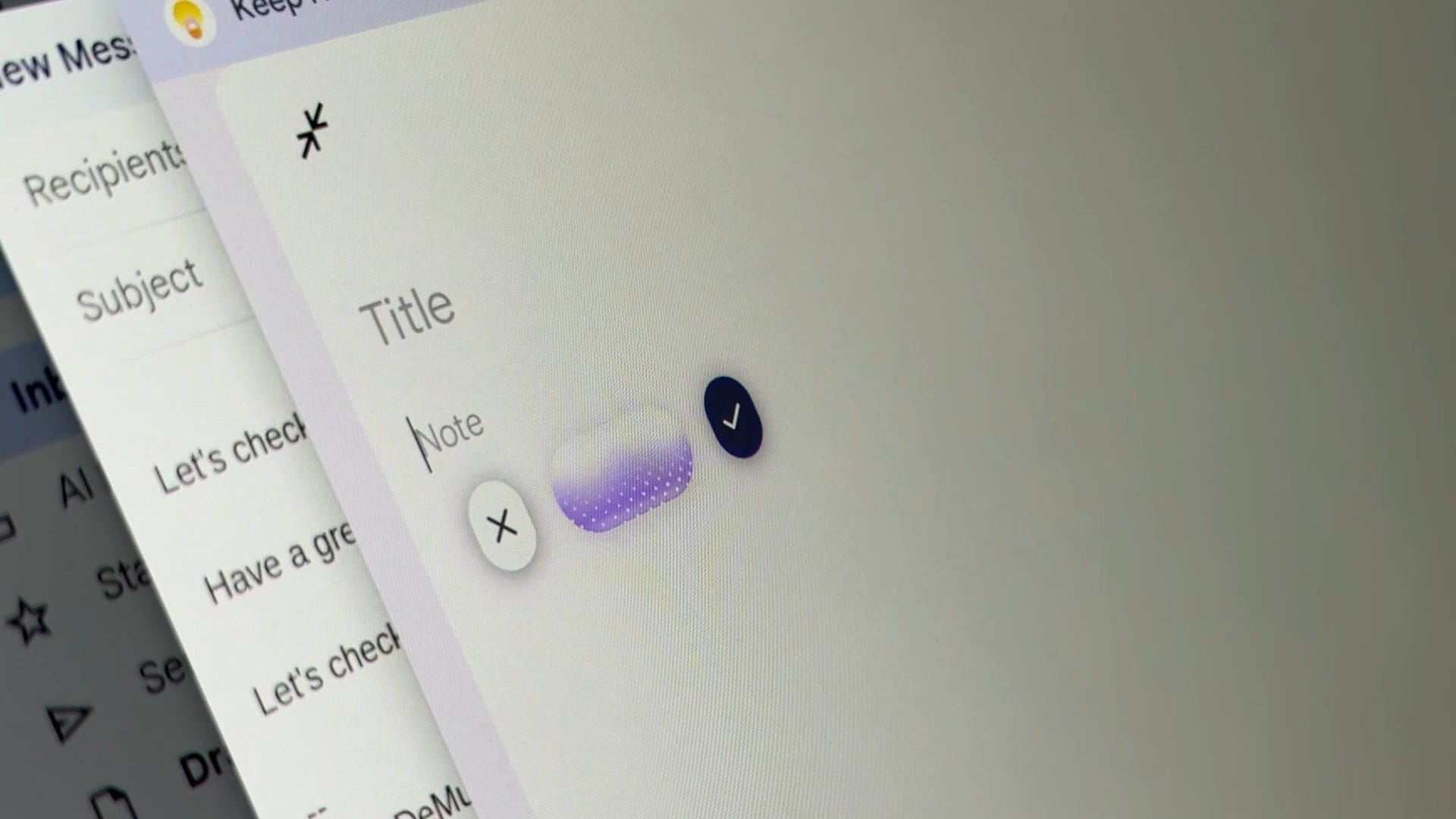
Another feature I discovered while adding photos to my newsletter is that Googlebook OS automatically generates descriptions of files, making them easier to find later.
As for the hardware, I’m testing the ASUS Googlebook 14, which weighs just over two pounds. The OLED touchscreen looks fantastic, the keyboard feels great, and the matte finish helps reduce glare. The trackpad is good, although still not quite as good as my MacBook Air. Battery life seems promising, too.
Googlebooks are available from ASUS, Dell, HP, Acer and Lenovo, with prices starting at $899. The ASUS model I’m testing costs $1,299.
That’s a lot more than a typical Chromebook, but you’re getting more premium hardware.
Google also plans to phase out ChromeOS by 2034, although existing Chromebooks will continue receiving support, and some newer models will be eligible to upgrade.
So, would I recommend a Googlebook?
I’m not quite there yet. I really like the hardware and software, but some Android apps still need work. And I’d like to see Google commit to this platform for the long haul.

Still, if you’re an Android user looking for a clean, simple laptop with strong security, and innovative AI features, Googlebooks are worth a look.
I just can’t help but imagine that if these laptops had come out a year ago, they might have been a couple hundred dollars cheaper.