
A new Netflix phishing scam is landing directly in people’s inboxes instead of spam and it might be convincing enough to fool you. The fake emails look official, include real account details, and use a clever trick designed to bypass modern spam filters. Here’s how the scam works and how to protect yourself.
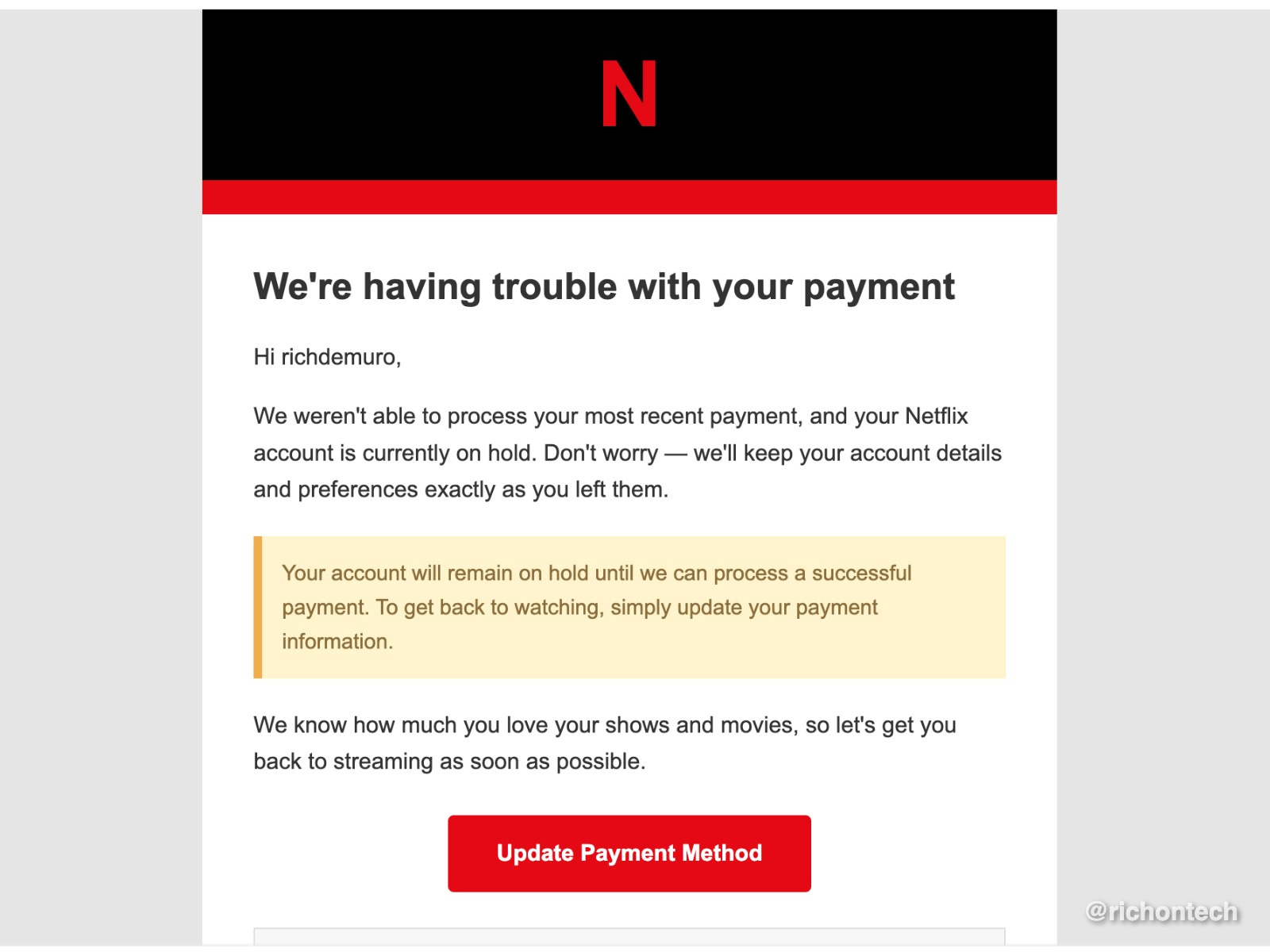
If you get an email saying there’s a problem with your Netflix payment, don’t click anything right away.
A new round of fake Netflix emails are making the rounds, and this version is especially sneaky. Not only does it look like a legitimate message from Netflix, it may also include your real email address and username, likely pulled from an old data breach.
The trick helping these emails avoid spam
Normally, phishing emails get filtered out. But these messages include an attachment filled with random gibberish text.
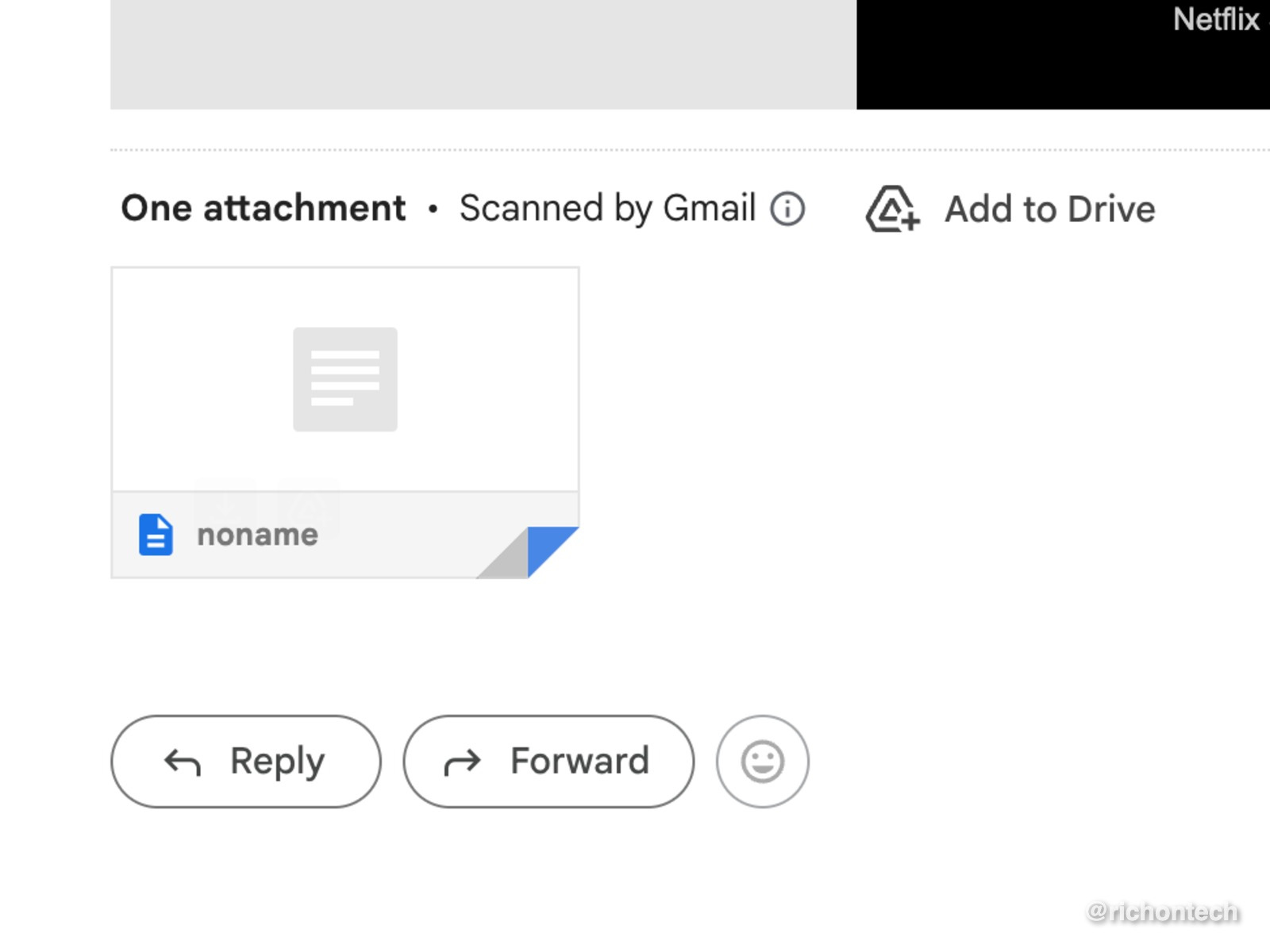
These attachments appear to help the email slip past spam filters. Automated systems scan email content to decide what’s safe, and the extra text can make the message look legitimate enough to reach your main inbox.
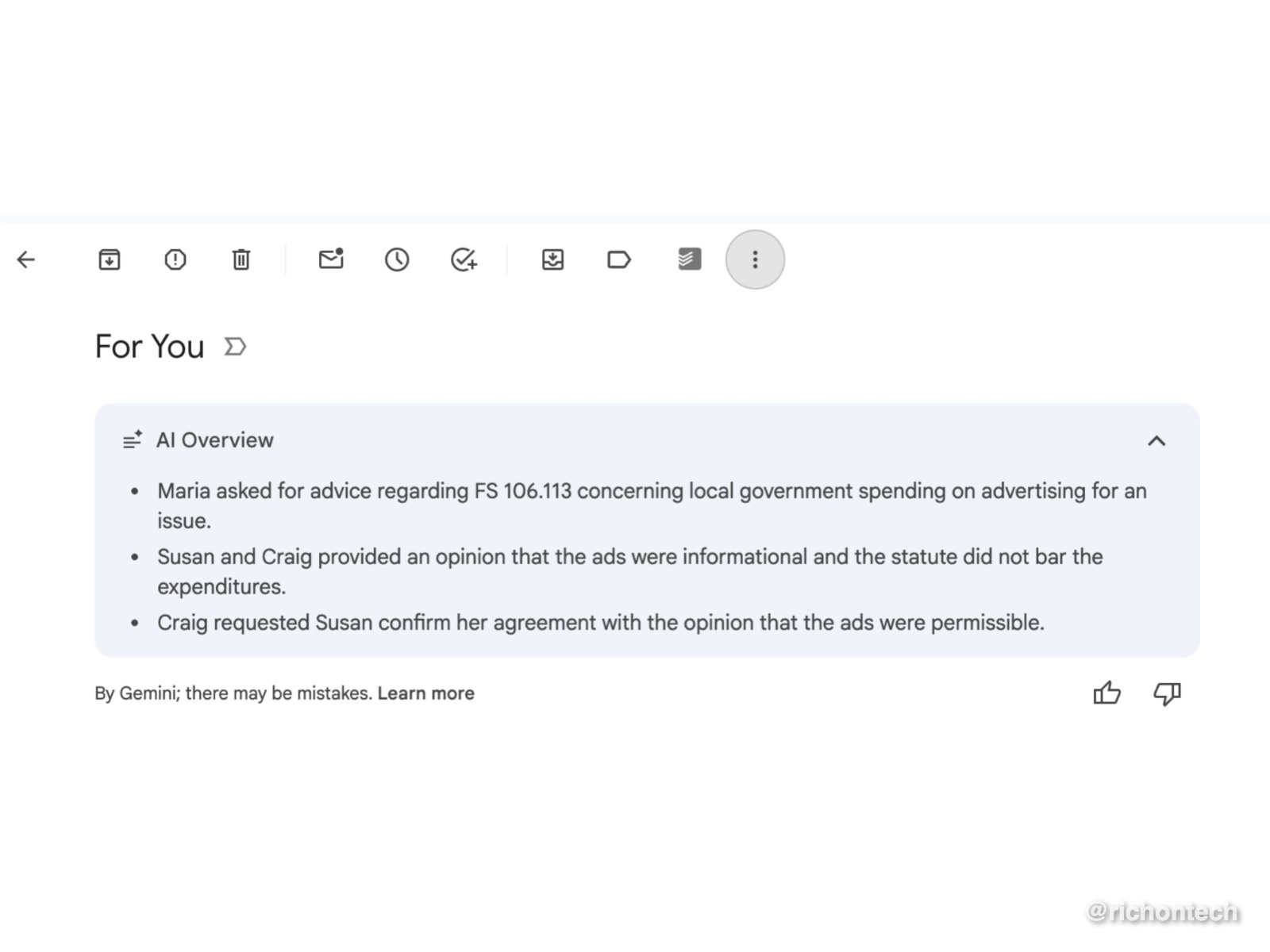
If your email service provides AI overviews, as Gmail does, you might even see the gibberish in the attachment summarized by AI at the top of this spammy email, which makes the situation even more confusing.
How the scam works
The email claims there’s a billing issue and asks you to update your payment information using a link.
That link leads to a fake page that could steal your account login, credit card details or personal billing information, depending on how the scammers set up the landing page. Keep in mind, it’s not just one type of email circulating.
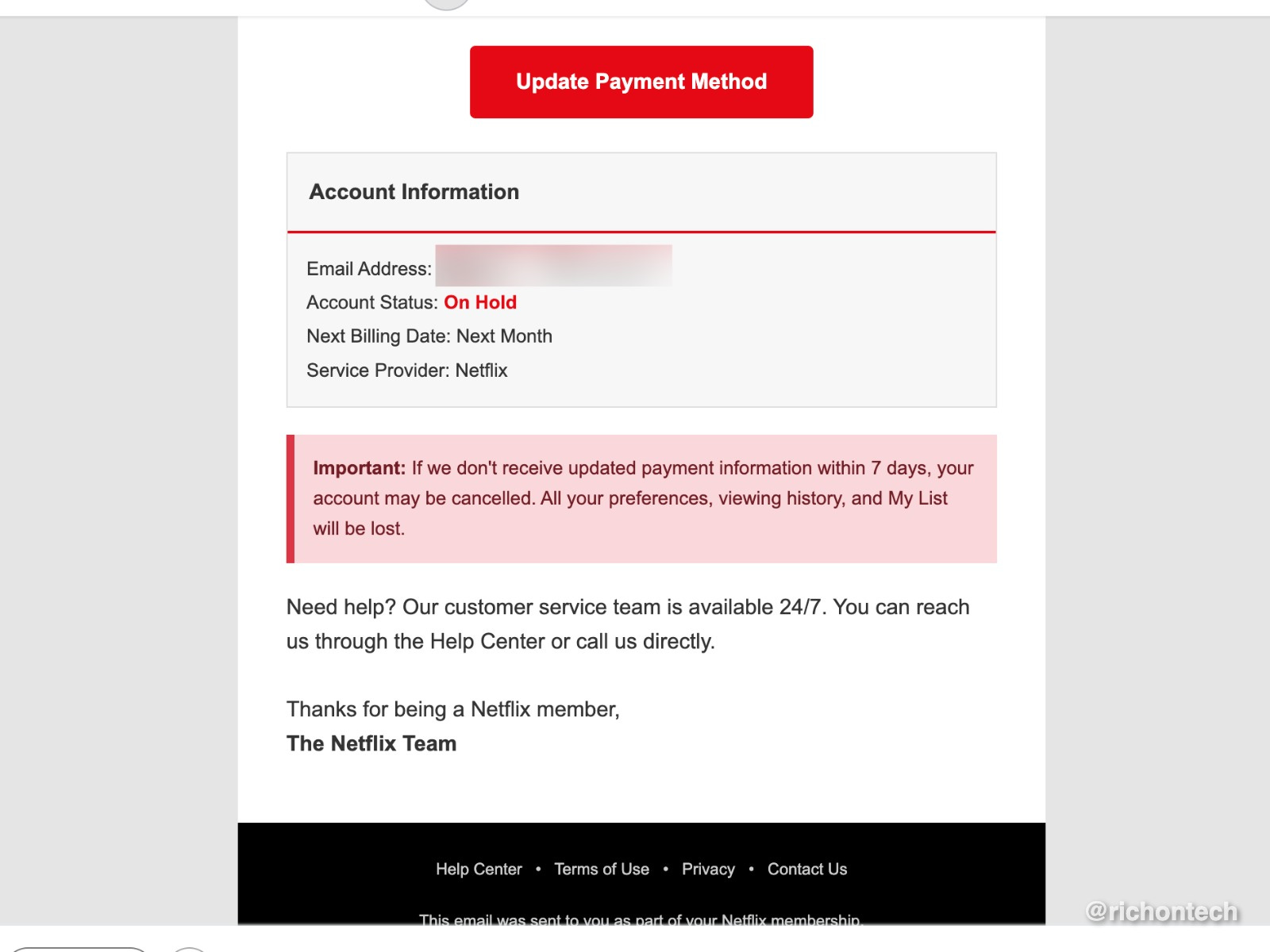
But the bottom line is that anything you enter is captured by scammers instantly.
If you enter information on a suspected phishing page, change your password immediately and contact your bank.
The bottom line
Scammers are getting better at working around spam filters and AI protections. The safest habit is still the simplest one: never use links in unexpected account emails.
When in doubt, go directly to the app or website yourself.
Why subscribe to the Rich on Tech newsletter?
If you like practical tech advice that actually makes your life easier, you’ll feel right at home with the Rich on Tech newsletter.