
Your maps app needs to know where you are. Your puzzle game probably doesn’t.
But over time, it’s easy to give apps access to your location and forget all about it. That’s why it’s worth taking a few minutes to do a quick location privacy audit on your phone.
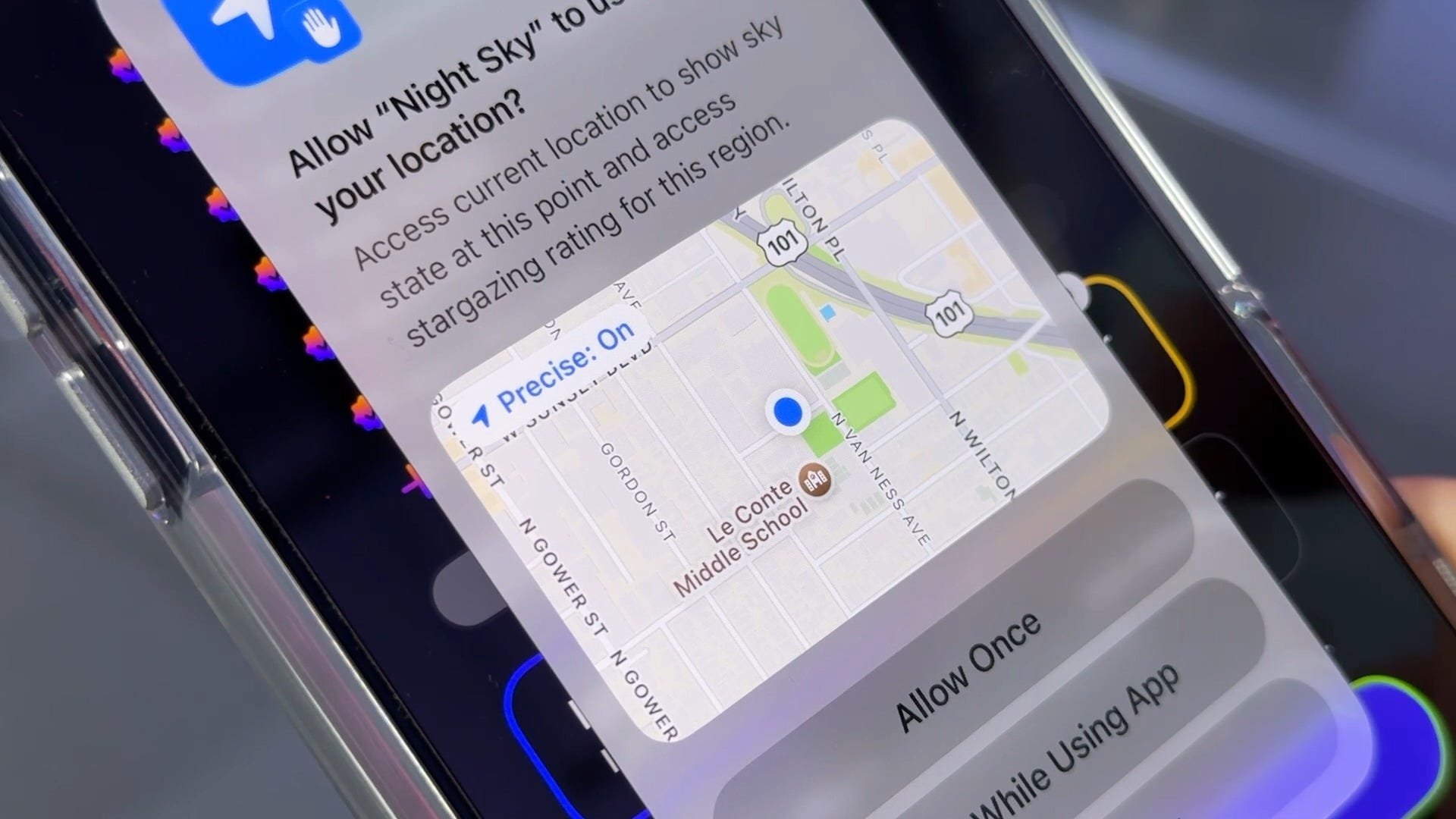
On an iPhone, go to Settings > Privacy & Security > Location Services. You’ll see every app that has requested access to your location, along with what level of access you’ve given it.
Pay special attention to anything set to Always. Ask yourself a simple question: Does this app really need to know where I am all the time?
For many apps, While Using the App is a good middle ground. The app gets your location when you’re actively using it, but doesn’t have continuous access in the background. And if an app has no good reason to know your location, switch it to Never.
There’s another setting worth checking: Precise Location. When it’s on, an app can get your specific location. Turn it off and the app gets a more approximate location instead. That can work just fine for apps that only need a general idea of where you are.
Android has similar controls. Go to Settings > Location > App location permissions. Depending on your phone, the wording may vary slightly.
Android makes this especially easy to review by grouping apps based on their access. Start with the apps allowed to use your location all the time, then work your way down the list. You can change permissions or disable precise location for individual apps.
I like doing this every few months because location permissions tend to accumulate. You install an app, tap through a permission request and six months later you’ve forgotten all about it.
It only takes a few minutes to clean things up. And while you’re there, you might be surprised by which apps have been allowed to follow you around.